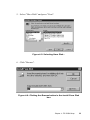
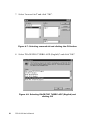
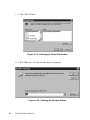
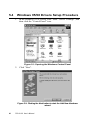
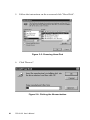
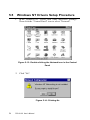
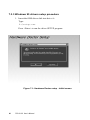
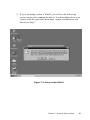
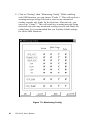
5. Follow the instructions on the screen and click "Have Disk".
Figure 5-5: Choosing Have Disk
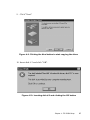
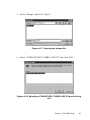
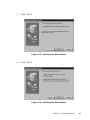
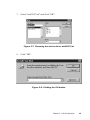
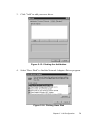
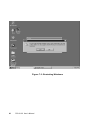
6. Click "Browse".
Figure 5-6: Clicking the Browse button
68
PCA-6168 User's Manual