1
PR5407.qxd
05/11/2003
15:12
Page 6
User Manual
GARDTEC 872
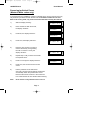
Unsetting The System
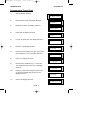
1)
Enter the premises via the authorised entry route
(the broken entry tone will sound),
proceed to the keypad.
2)
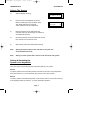
At the keypad enter a valid code, the display
will show:-
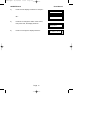
< < < < UN-SET > > > >
01 JAN 18 : 58 : 01
3)
The system is now unset.
Note:
If an Area Code has been entered only the area associated
with that code will be unset.
Note:
If a Cleaner Code has been entered only the cleaner area will be unset.
Note:
For DD243 systems ACE keyfobs may have to be used to unset the
system, chexk with your installation company.
Note:
In the event of the system being set using ACE when the battery is low
the display will show ACE Battery Low when the system is unset press
Yes to clear the display and change the battery in the keyfob.
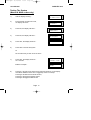
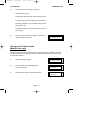
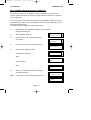
Part Setting The System
(using Master & Main type codes)
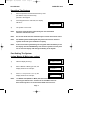
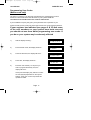
< < < < UN-SET > > > >
01 JAN 18 : 58 : 01
1)
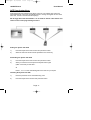
With the display showing:-
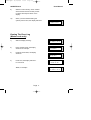
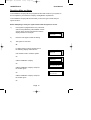
2)
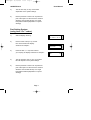
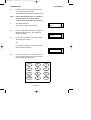
Enter a Master or Main type code, the
display will show for example:-
3)
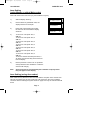
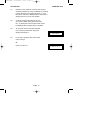
Press 1, 2 or 3 (for Part 1, 2 or 3), the
display will show for example:-
Note:
Do you want to . .
Set , STUART ?
EXIT Now!
Part 1
123C
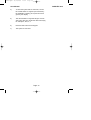
If a Global code (Master or Main) has been used all areas that
are being set will be Part 1 set. Note: If an Area Main code has
been used only Part 1 set for that associated area will occur.
Page 6
15