1
Security
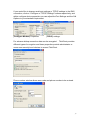
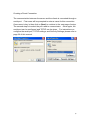
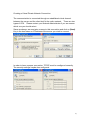
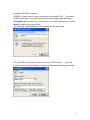
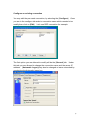
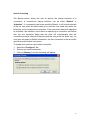
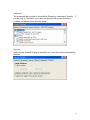
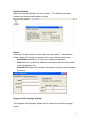
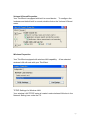
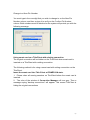
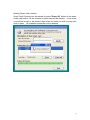
Security setting on the menu option protects your ThinClient from unauthorized
usage. You can put a password lock on your Thinclient at power on, resume of
screen saver, and properties (F2).
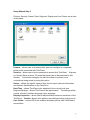
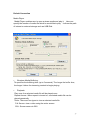
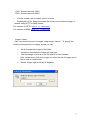
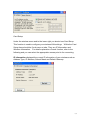
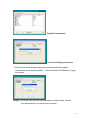
System Properties
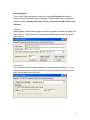
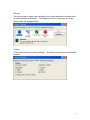
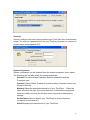
System information can be obtained from the system properties menu option.
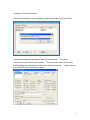
The following are the tabs within the system properties.
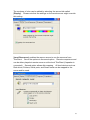
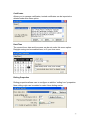
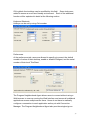
General This tab contains Operation System information and the
Processor type.
Product Product Name, Product ID (serial number), firmware version are
all part of this tab.
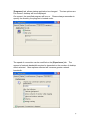
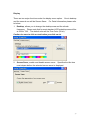
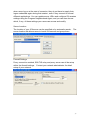
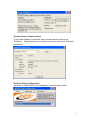
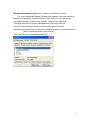
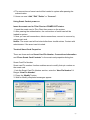
Memory Adjust the memories allocation of your ThinClient. When the
slider moves to the right then more memories is dedicated to programs.
When the slider moves to the left then more memories is dedicated to
storage.
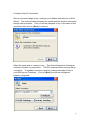
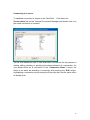
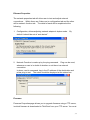
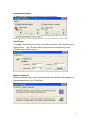
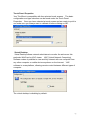
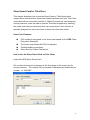
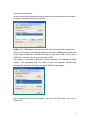
Device Name Used to identify your ThinClient to other computers
(computer on the network).
About Displays the manufacture of your ThinClient.
60