1
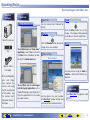
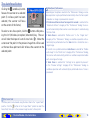
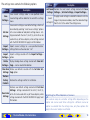
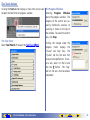
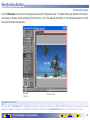
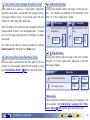
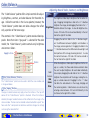
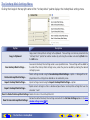
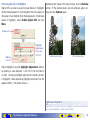
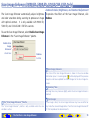
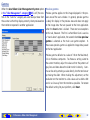
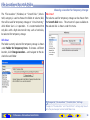
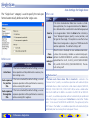
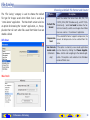
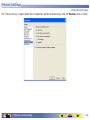
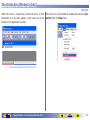
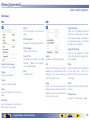
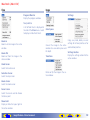
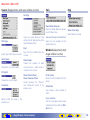
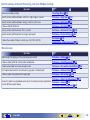
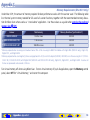
Perform Autofocus When Film Is Inserted
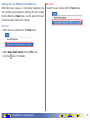
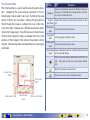
If this option is selected when the
MA-21/MA-20 (S) slide-mount
adapter is inserted in the 5000
ED, 4000 ED, COOLSCAN V ED, or COOLSCAN IV ED, an
autofocus operation will automatically be performed when
a slide is inserted.
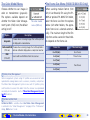
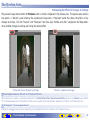
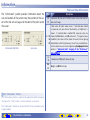
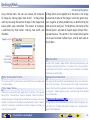
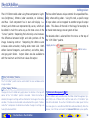
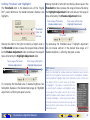
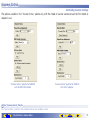
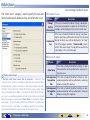
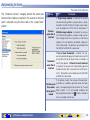
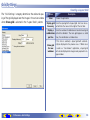
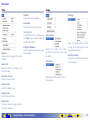
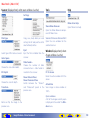
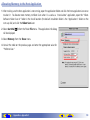
Calibration
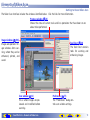
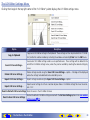
If the scanner is left on for an extended
period, the temperature inside the scanner
will rise and the scanner may need to be
recalibrated. Click Calibrate to recalibrate
the scanner.
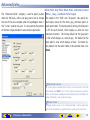
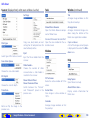
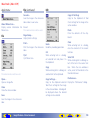
If the MA-21 or MA-20 (S) is inserted, remove any slides
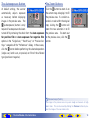
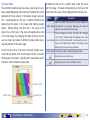
If this option is selected when
from the adapter before recalibrating. Users of the IA-20
the 9000 ED or 8000 ED is con(S) will be prompted to rewind the film before calibration
nected, an autofocus operation
begins. Film will automatically be ejected from the SA-21,
will be performed on the first frame when a film holder is in- SA-30, 9000 ED, or 8000 ED before calibration begins, and
serted (an autofocus operation will not be performed when will automatically be reloaded when calibration is complete.
the FH-869S, FH-869G, or FH-869GR is inserted).
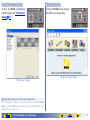
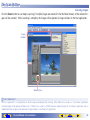
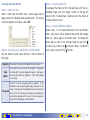
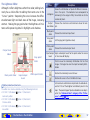
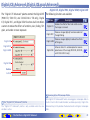
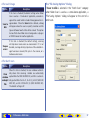
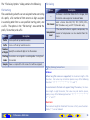
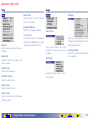
The Status LED
The scanner status LED will blink while the scanner is being recalibrated.
Do not perform any additional operations in Nikon Scan until the status
LED has stopped blinking.
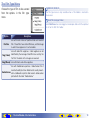
The Tool Chest — Scanner Extras
TOP
74