1
Payroll User Manual
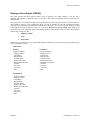
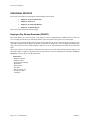
EMPLOYEE RANKING BY TIME CATEGORY (PR0303)
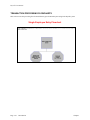
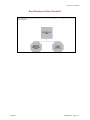
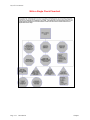
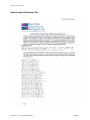
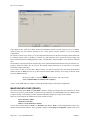
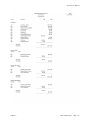
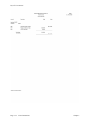
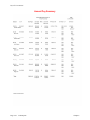
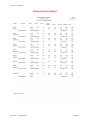
This option provides a bar and/or pie graph comparing the Time Categories on up to twelve (12) different
employees.
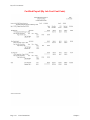
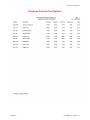
This option allows you to select a range of employees and then rank them based on the negative balance of a specific
personal time category. The personal time categories will be the last five (11-15) time categories that you have set
up in the Master Configuration. The system will only choose those employees that have a negative balance in the
personal time specified. The balances, however, will be displayed as positive numbers. This provides you with a
quick analysis of those employees that have used up more personal time than they have accrued.
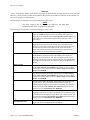
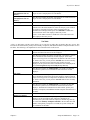
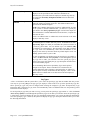
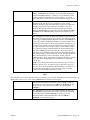
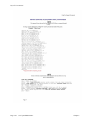
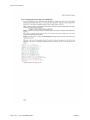
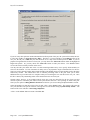
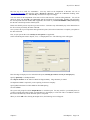
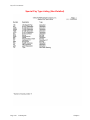
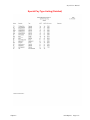
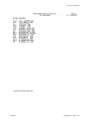
You must first specify the employee range, “Sort By” field and, optionally a department mask. The system will then
allow you to enter the maximum number of employees to include (up to 12) and the personal time category to use.
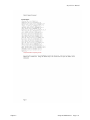
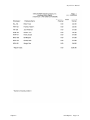
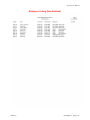
The system will then rank the employees base on their negative balances in the personal time category selected and
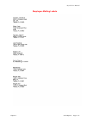
display the employees to be graphed.
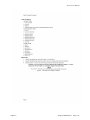
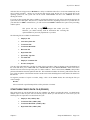
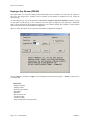
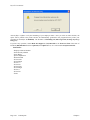
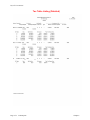
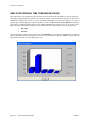
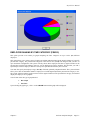
You will then select the type of graph desired:
•
Bar Graph
•
Pie Chart
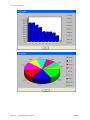
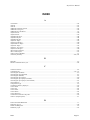
Upon selecting the graph type, <click> on the GRAPH button and the graph will be displayed.
Chapter 5
Perform Analytical Graphs
Page 5-3