1
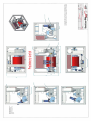
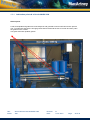
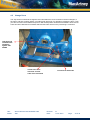
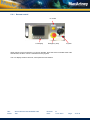
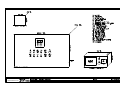
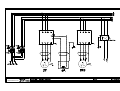
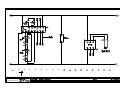
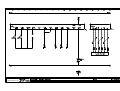
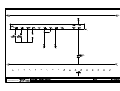
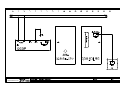
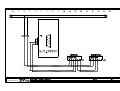
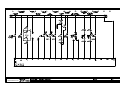
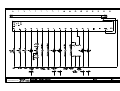
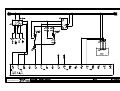
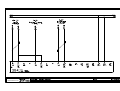
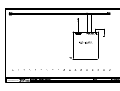
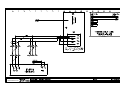
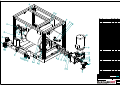
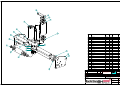
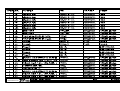
2.2.1 Main winch switchboard
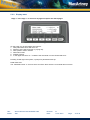
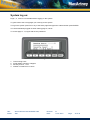
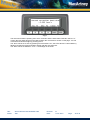
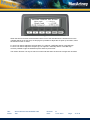
For more details see section 5.2.
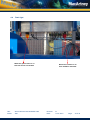
Main Switchboard
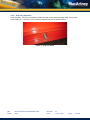
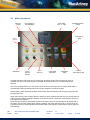
The winch has 2 off emergency stop buttons. One on the main switchboard door, and one on the
remote control. The emergency stop button trip the main incoming breaker in the main switchboard
except the control system. Before service or repair inside the main switchboard the main supply cable
has to be disconnected.
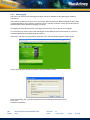
To be able to operate the winch after a system trip, make sure the actual Emergency stop button is
released and then press the reset button (S10) on winch main switchboard door.
On the main switchboard panel door front there are indicators for power on and heating on.
NOTE! When a Emergency Stop is activated; wait for at least 30 seconds before activating
[RESET Emergency Stop] on switchboard panel door.
Title:
Author:
Winch Offshore Manual MASH 2000
JBK
Revision:
Date:
B
24-01-2012
Page:
10 of 78