1
Key2Image Lockbox – Page 26
Viewing a Remittance Document continued:
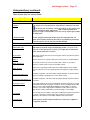
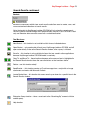
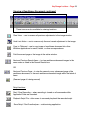
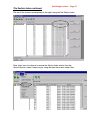
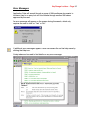
These icons are also available for viewing functions.
Clear View -- use to reverse all previous adjustments to the image window.
Undo Last Action – use to reverse only the most recent adjustment to the image.
Copy to Clipboard – use to copy image of remittance document into other
Windows applications for email, letters, or other correspondence.
Print the current page or the image in the active window.
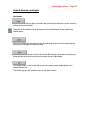
Next and Previous Search Items – to view remittance document images in the
same order as listed in the Search Results box.
OR
Next and Previous Page – to view the second or any subsequent page of the
remittance document, or the next remittance document image within the batch of
items.
(See next page of training manual)
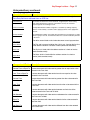
Script functions:
Start / Stop Recording -- when recording is turned on all commands within
Application Suite are recorded.
Playback Script File – allow users to save and play back the recorded script.
Save Script / Run DocuAnalyzer – a data-mining application.