1
Key2Image Lockbox – Page 33
Logging Off Application Suite
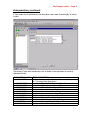
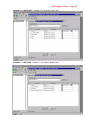
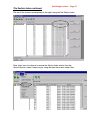
1. Close all open windows in the application by clicking on the X in the upper right hand
corner of each active window:
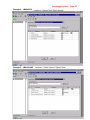
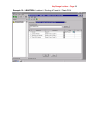
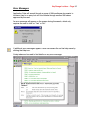
The background screen within Application Suite should now be blank:
2. To exit Application Suite, click on the X again in the upper right hand corner of the
main window or click on the Door icon located on the toolbar.
3. The CD can now be removed from the CD ROM drive.