1
Oscilloscope Mode
Oscilloscope Mode (cont'd)
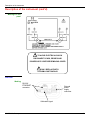
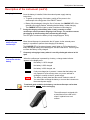
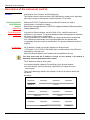
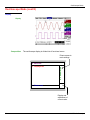
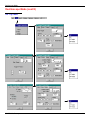
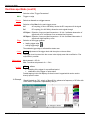
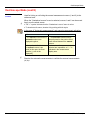
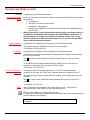
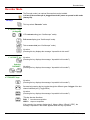
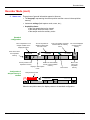
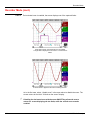
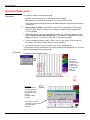
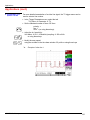
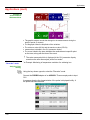
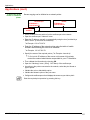
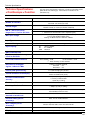
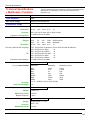
Trace
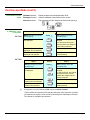
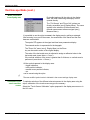
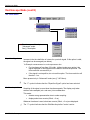
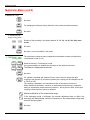
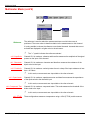
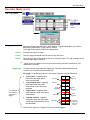
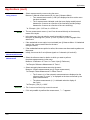
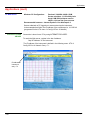
Saving (to the non-volatile memory) or recall of a trace or a reference memory. The
back-up can be saved in two formats: ".TRC" or ".TXT".
The "File copy" menu is adapted to the type of format selected.
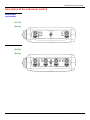
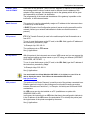
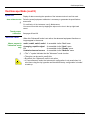
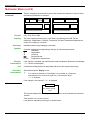
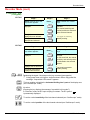
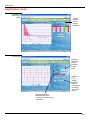
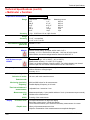
Save .TRC
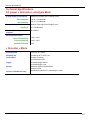
Save.TXT
Saving of the files for subsequent recall on the oscilloscope screen
The back-up files will take the suffix .TRC; they can be recalled in the "Trace
Recall" menu.
Saving of files for export to another application
The saved files have the suffix .TXT; they cannot be recalled by the "Trace
Recall" menu for screen display. However, they can be exported in a standard
format for use in other software (spreadsheet - e.g. Microsoft EXCEL) using the
menu "Util Files Export".
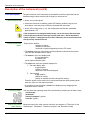
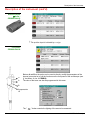
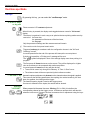
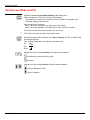
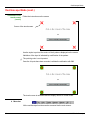
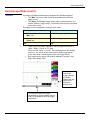
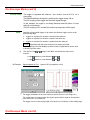
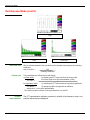
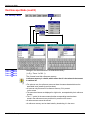
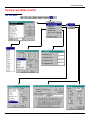
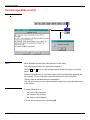
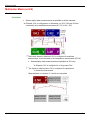
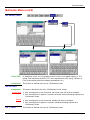
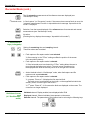
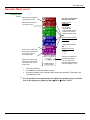
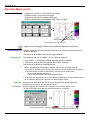
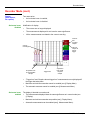
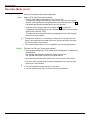
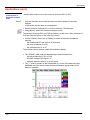
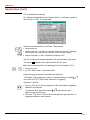
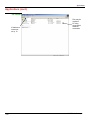
The selection made opens a "File Copy" menu.
∗ Then in the "Source" drop-down menu, select the trace or the reference memory
to be recorded.
The trace or reference memory to be saved will appear in grey. The stylus is used
for selection.
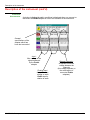
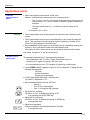
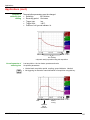
• Only traces and reference memories present on the screen are indicated in the
"Source" list (selectable).
• If all the traces and reference memories are present on the screen, the right scroll
bar in the menu can be used to move around inside the list.
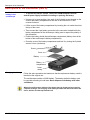
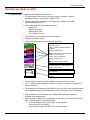
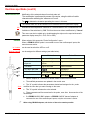
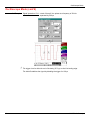
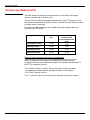
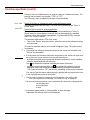
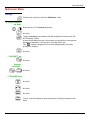
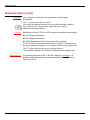
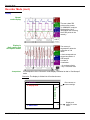
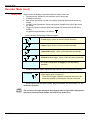
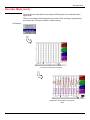
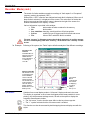
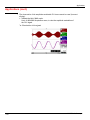
∗ A default backup file name is proposed above the keyboard. It can be modified
using the virtual keyboard with the stylus.
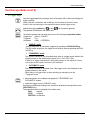
The
key deletes the character preceding the cursor in this area.
∗
Once the name has been written, the
key records it by entering it into the
destination menu and closes the menu. The backup file takes the extension
.TRC (internal format) or .TXT (text format), depending on the previous selection.
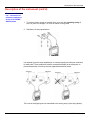
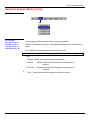
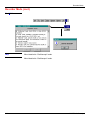
You can exit from this menu without saving by pointing with the stylus on the icon
in the top right-hand corner of the window.
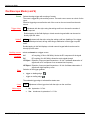
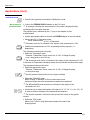
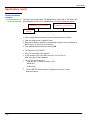
• The file name is limited to a maximum of 15 characters + the suffix. If this
rule is not respected, the message 'File name too long' is displayed.
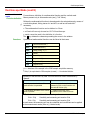
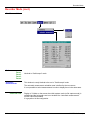
• As soon as the pointer passes over a destination file, the name is displayed with
its recording date
its recording time
its size.
• If the name already exists or is incompatible, an error message
‘Impossible! File already exists' will be displayed.
66
SCOPIX Oscilloscopes