1
Your Account
Step 4
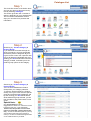
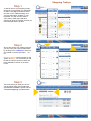
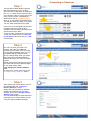
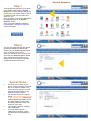
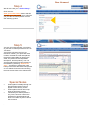
We will now view your “Order History”
Click onto the :
View your order history button and this
will take you to the screen which will show
you your last 10 orders placed over the
web ordering system.
Step 5
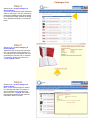
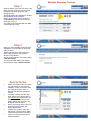
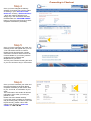
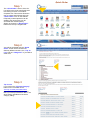
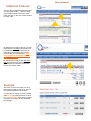
You are now presented with your history
of your last 10 orders placed over the On
-line store.
Your history will show the On-Line
reference number, your purchase order
number, the date the order was placed,
the person responsible for placing this
order, the product ID and expanded
description, and the quantity. You can
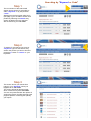
view all orders that have been placed on
the website by selecting “View all orders” - this will then expand the order
history to all orders that have been placed
on our website for that account showing
the most recent down to the oldest order.
Special Notes
·
·
·
.
Orders placed verbally through our
Quick Support section will not
appear on this history screen.
Orders placed via fax will not appear on this history screen.
This “history” of orders placed is
only for the account number the
password is placed against and
does not include any other child or
sub accounts.
16