1
Chapter 7
Visitor Manager
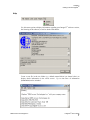
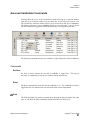
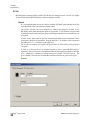
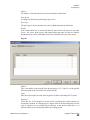
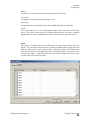
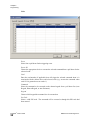
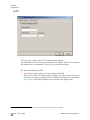
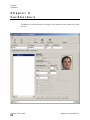
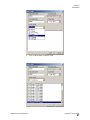
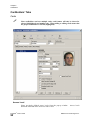
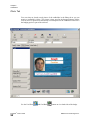
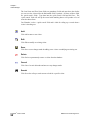
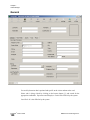
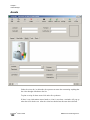
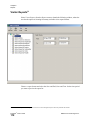
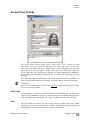
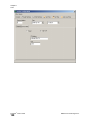
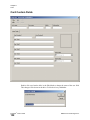
The Last Name and First Name fields are mandatory fields and must have data before
you can save the visitor while the NationalID field is optional. All three of these fields
are „quick search‟ fields. Type data into the „quick search‟ field and hit Enter. The
„quick search‟ field will call up the record with matching data or will produce a list of
record to choose from.
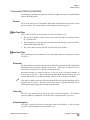
Card Number is also a „quick search‟ field and is ideal for calling up a record when a
visitor is checking out.
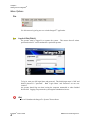
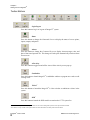
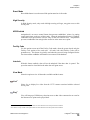
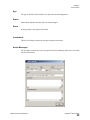
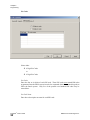
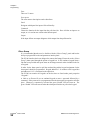
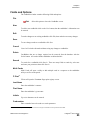
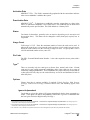
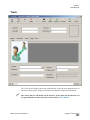
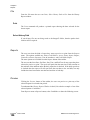
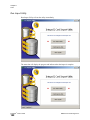
Add
Click Add to enter a new visitor.
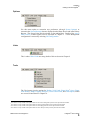
Edit
Click Edit to modify an existing visitor.
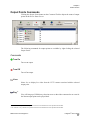
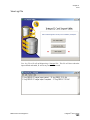
Save
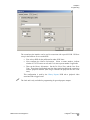
Click Save to save changes made be adding a new visitor or modifying an existing one.
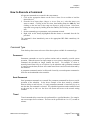
Delete
Click Delete to permanently remove a visitor from the database.
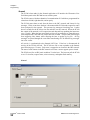
Cancel
Click Cancel to exit edit mode and not save any changes made.
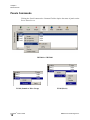
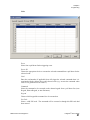
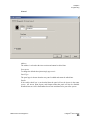
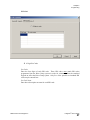
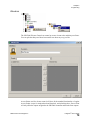
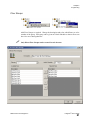
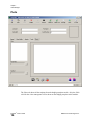
Search
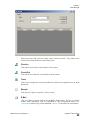
Click Search to call up a search screen to look for a specific visitor.
™
Integra32 User’s Guide
98
RBH Access Technologies Inc.