1
3.GETTING STARTED
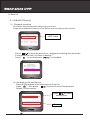
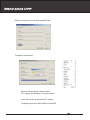
Install a hard drive into your DVR
Connect DVR to monitor
Connect cameras (up to 8) to DVR
Connect other accessories (sensors or alarm) if necessary
Plug the power cord into power jack on the wall
Turn on the power switch on the back of the DVR
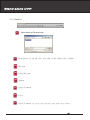
Start TV Monitoring and Recording
… Make sure that a hard drive and camera(s) are properly installed
… The hard disk jumper setting must be set to “master” jumper setting
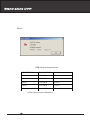
… If the power is turned off while recording (i.e. A power failure),
the DVR will enter”Power Recovery” mode at start up,
detect that it has been shut down,
and then reinitiate the recording process.
4. SYSTEM INSTALL
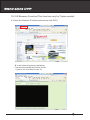
4-1Monitor Connection
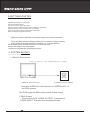
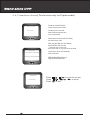
[ C o n n e c t moni t o r w ith VI D E O O UT po r t o n DV R ]
MONITOR
["VIDEO IN” port on Monitor]
[”VIDEO OUT” port on DVR]
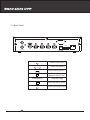
Connect "VIDEO IN" of the monitor to "VIDEO OUT" of
the DVR system.
The DVR supports BNC output and S-Video output
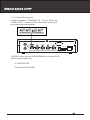
1. BNC Output
Connect the DVR “VIDEO OUTPUT” to camera(s)
“VIDEO INPUT” then see the recording screen.
4