1
NEWHART SYSTEMS INC.
_______________________________________________
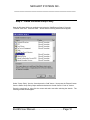
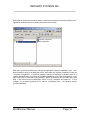
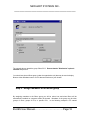
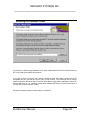
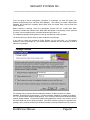
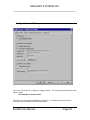
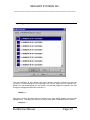
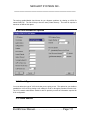
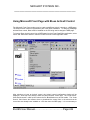
The Delete Macro function lets you delete macro files from your disk. Select the macro that you
wand to delete by using the mouse and pressing OK.
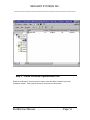
Macro Options
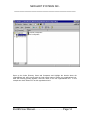
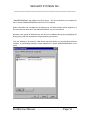
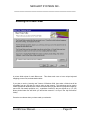
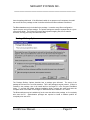
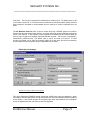
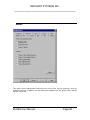
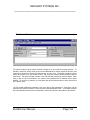
The “Show Playback Window” option either enables or disables a small window that may be
displayed while a macro is being played. The playback window displays each macro line as it is
being played. In addition, the playback window has push buttons for stopping, pausing, and
resuming the macro.
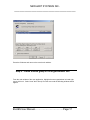
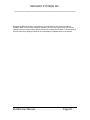
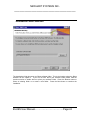
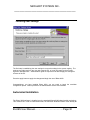
The synchronize host application option determines how the terminal session determines when
the host has completely written the screen so that the next macro line may be played. Some host
applications may write data to the screen a variable number of times after keyboard input. Two
options exist for determining when the host has completed writing the screen: (1) Count the
number of host screen updates or (2) wait for an elapsed amount of idle time. During the record
phase, the number of times that the host writes to the display is counted and recorded into the
macro. If you choose option 1 above, then as the macro is played back is it assumed that the
host will write to the screen the same number of times before the macro continues to play after
an enter action is performed. In the second case above, a timer is started after the host updates
BLUES User Manual………………………………Page:172