1
NEWHART SYSTEMS INC.
_______________________________________________
Using Microsoft Front Page with Blues ActiveX Control
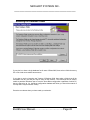
The Microsoft Front Page product may be used to add Blues ActiveX controls to a WEB page.
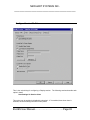
The Blues ActiveX control is registered as part of the Blues installation. To design a WEB page
with the Blues control, Blues must be installed on the PC being used to design the WEB page.
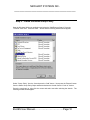
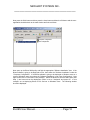
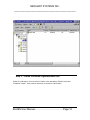
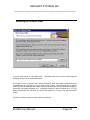
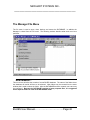
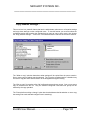
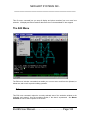
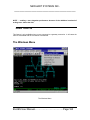
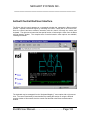
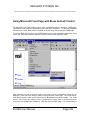
To insert a Blues ActiveX control into a WEB page from the Front Page Editor application, select
Insert” and “Advanced” and then “ActiveX Control” from the Front Page Editor menu.
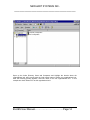
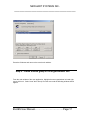
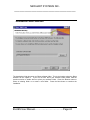
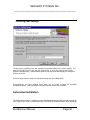
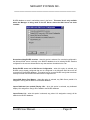
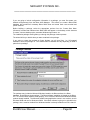
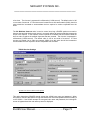
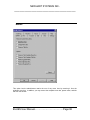
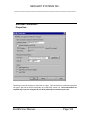
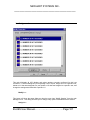
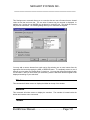
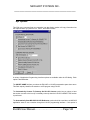
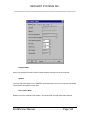
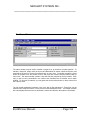
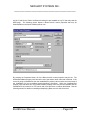
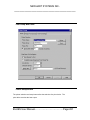
After selecting to insert an ActiveX control, the ActiveX control configuration window will be
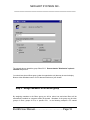
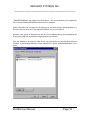
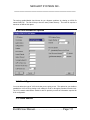
displayed. At the top of the window, select the “Blues Session” control type. The “Code Source”
field should contain a valid ftp URL where the file BluesSession.ocx should reside. The “Code
Source” field informs the browser where to download the control from in the advent that the
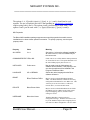
control has not already been installed on a PC that views the WEB page. It is not necessary to
BLUES User Manual………………………………Page:246