1
Issue 1
Create a Range
If you create a Device with the New Device Wizard (Refer to
Devices), Intecal can create the applicable number of ranges and set
up the necessary data.
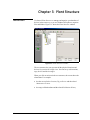
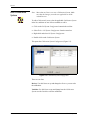
To create more ranges, click on the Device in the Plant Structure tree,
and then use one of these methods:
Edit a Range
•
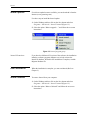
Click on the New Range button in the tool bar.
•
Select File > New > Range from the menu bar.
•
Right click and select New > Range.
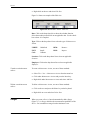
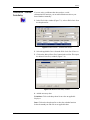
A Range has four tabs (Figure 3-7 to Figure 3-10):
General tab: To set up how and when the calibration is done.
Input tab and Output tab: To set up the applicable input/output
values that the device uses.
Relationship tab: To set up the relationship between the input/output
values.
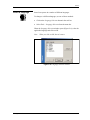
General Tab
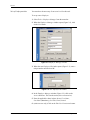
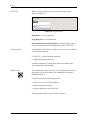
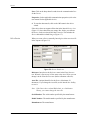
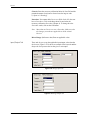
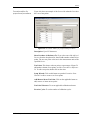
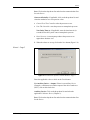
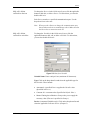
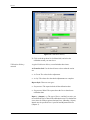
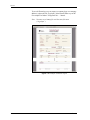
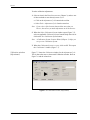
This tab lets you set up how and when the calibration is done. Figure
3-7 shows the data on the General tab:
Figure 3-7: Range General Tab
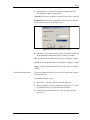
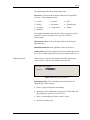
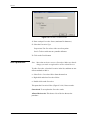
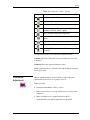
Calibration Due Date: Click on the drop-down list to show the
calendar function. Select the month/year and click on an applicable
date. Use the check-box to show it is active and/or complete.
Calibration Interval (days): Enter the number of days between each
calibration.
Plant Structure
3-9