1
Issue 1
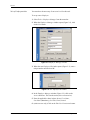
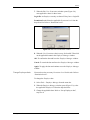
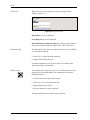
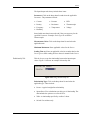
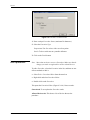
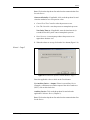
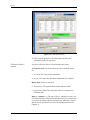
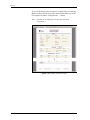
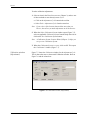
Figure 4-2: Procedure creation wizard
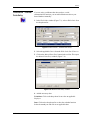
1. Enter a unique Procedure Name (maximum 50 characters).
2. Select the Procedure Type:
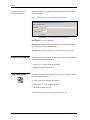
Proportional: For Procedures with a set of test points.
Switch: To do a switch test on a portable calibrator.
3. Click on the Finish button.
Edit a procedure
Note: More than one device can use a Procedure. Make sure that the
changes you make are applicable to all the related Devices.
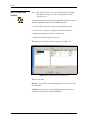
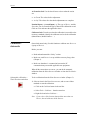
To edit a Procedure, select the Procedure in the list, and then use one
of these methods to edit it:
•
Select Tools > Procedure Editor from the menu bar.
•
Right-click and select Procedure Editor.
•
Double-click on the Procedure.
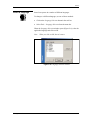
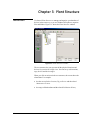
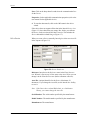
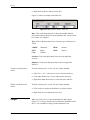
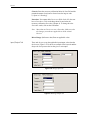
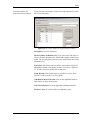
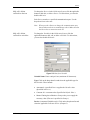
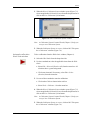
This opens the Procedure Editor (Figure 4-3/4-4). It has two tabs:
General tab: To set up how the Procedure works.
Affected Devices tab: This shows a list of devices that use the
procedure.
4-2
Calibration procedures