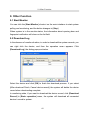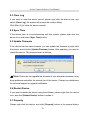
1
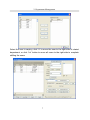
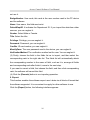
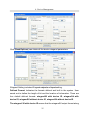
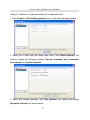
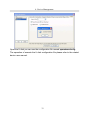
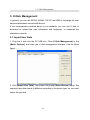
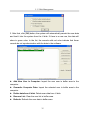
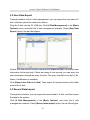
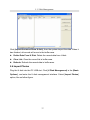
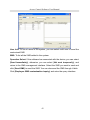
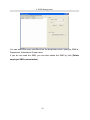
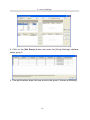
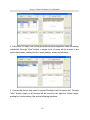
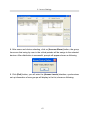
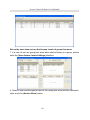
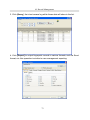
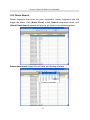
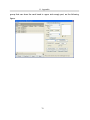
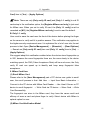
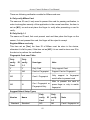
Access Control Software User Manual not use it. BadgeNumber: User code, this code is the user number used in the FP device and the software. Name: User name, this field must exist. DefaultDeptID: It indicates the Department ID. If you import the data from other sources, you can neglect it. Gender: Select Male or Female. Title: Select the title. Privilege: Privilege, you can neglect it. Password: Password, you can neglect it. CardNo: ID card number, you can neglect it. MverifyPass: The user password used in the device, you can neglect it. VerificationMethod: The verification method set for user. You can neglect it. (3) Firstly, choose the field in the fields list as to import, and then select the corresponding rank in the right side list. The fields list will automatically attach the corresponding number to the name of field, such as it is, arrange all fields and corresponding rank after finish it, move to the next step. If you want to cancel a field, first choose the field, and then click corresponding rank, the software will cancel this field. (4) Click the [Execute] button to run importing operation. 2. Export: This function enables the software export user’s data via all kinds of format that the software supported. It is convenient to supply for other software to use. Click the [Export] button, the following interface appears.
16