1
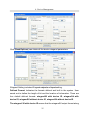
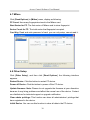
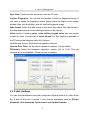
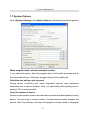
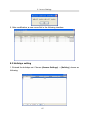
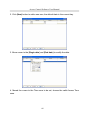
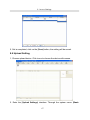
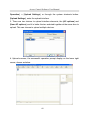
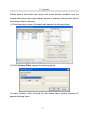
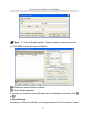
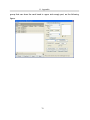
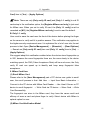
7. System Management 7.7 System Options Open [System Settings] in the [Basic Options], the following interface appears. When program starts, activate automatic monitor If you select this option, after the program start, it will enable automatic poll all the connected devices. Otherwise, program start will not enable poll. Default device polling cycle (second) During device continuing poll, some fingerprint devices may disconnect temporarily due to various reasons. Here, you can modify devicepolling cycle in second (120 is recommended). Keep the number of device Device record number means user attendance records that downloaded to every device. You can enter a record number. If actual record number exceeds the preset value, the software will clear all fingerprint records stored in fingerprint 51