1
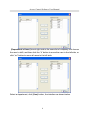
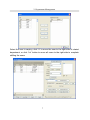
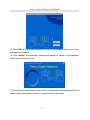
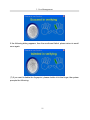
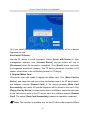
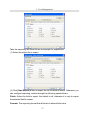
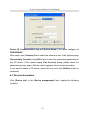
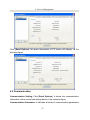
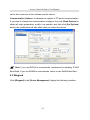
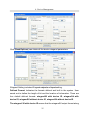
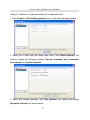
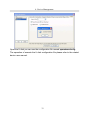
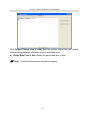
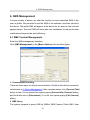
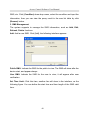
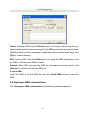
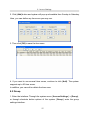
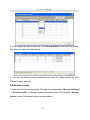
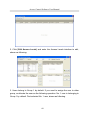
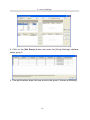
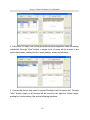
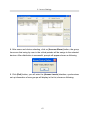
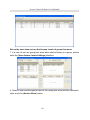
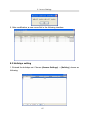
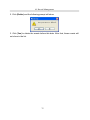
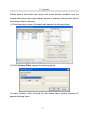
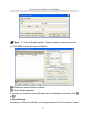
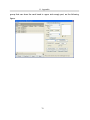
Access Control Software User Manual Using PC software to create and modify the configuration files: 1. Click [U disk] in [Device Management] menu, enter the following interface. 2. Select the U disk from the down drop menu, click [Read Options], the interface display the following options, Record download, User download, User upload, and Update firmware. 3. Select the needed operation, click [Set Options], the system will prompt [Operation finished], as shown below.
32