1
mind that this is only a partial description. A class is much more. But for now a class is a fine place to
put the database in.
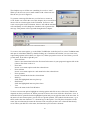
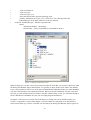
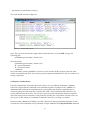
We will create a class and to keep the structure of the project clear, this class will be put in the
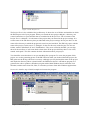
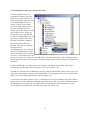
package “person”. So highlight the symbol for package “person” and click
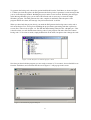
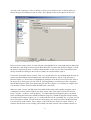
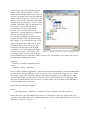
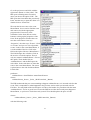
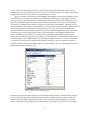
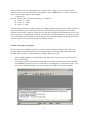
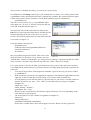
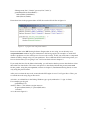
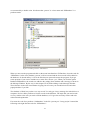
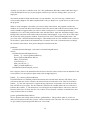
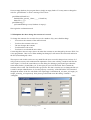
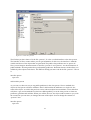
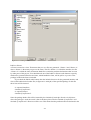
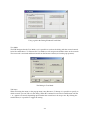
File/NewInExistingPackage. In the Create Project Item Dialog that opens, choose Class in the
leftmost pane and enter the name of the class “person”. It may seem strange to give the same name to
package and class, but it cannot do any harm: class and package are totally different items. Choose
further the radio button for Existing Package and make sure the line behind the option says
“person.pack”. Finally uncheck Creates Objects and click <Create>. See figure 7.2
Figure 7.2 Create class “person”
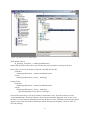
When you click <Create>, the IDE opens two edit windows. One is called “person.cl” the other one is
called “person.pro”. For the moment you can close the file “person.cl”, we will attend that one later
on. Now go to “person.pro”. This is the file where we will place what we need for the database. First
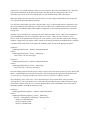
we have to declare that there will be a database. In VIP we use the declaration word “facts” for this. In
“person.pro” add a clause for class facts in the code. The parts for constants and clauses are already
there.
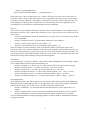
constants
className = "person/person".
classVersion = "".
91