1
Administer
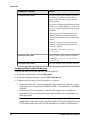
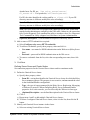
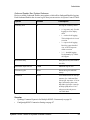
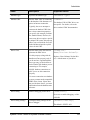
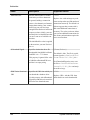
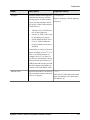
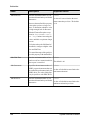
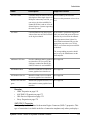
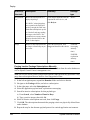
4. On the Schedule tab, click Disable.
5. Click OK to confirm. The value in the Status column changes to disabled.
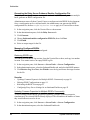
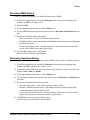
Running Manual Purge by Domain
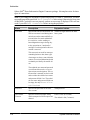
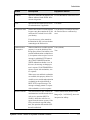
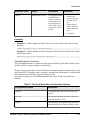
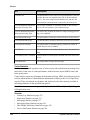
At any time the SUP Administrator or SUP Domain Administrator can manually run cleanup
options. The processes run asynchronously on Unwired Server using the current settings.
As much as reasonable, use manual purge when system load is light.
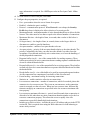
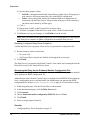
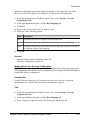
1. In the left pane, select the cluster, then the domain.
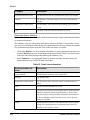
2. In the right pane, select the Scheduled Tasks tab.
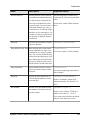
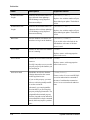
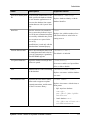
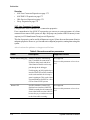
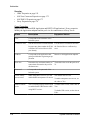
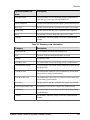
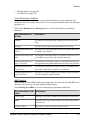
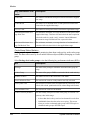
3. Select one of the cleanup options.
4. Click Run Now, then optionally specify the number of days for which to preserve data.
Artifacts that fall outside of the time period are purged.
5. Click OK to confirm. The request is sent immediately, and the task runs asynchronously
on Unwired Server.
Domain Logs
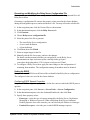
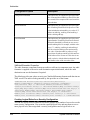
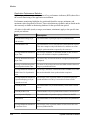
The domain log enables an administrator to monitor application activities throughout the
system. Detailed views of application activities are available by subsystem. The administrator
can review activities in a specific subsystem log view, view correlated data in multiple
subsystems, or view a unified log across all subsystems. The administrator must enable
logging, and then use log filters to view data of interest.
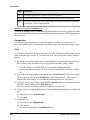
By default, only error messages are recorded in each domain's log. To enable domain logging,
you must create a log profile. See Creating and Enabling Domain Logging in Sybase Control
Center for Sybase Unwired Platform.
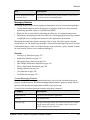
See also
• Creating and Enabling a New Domain on page 100
• Deleting a Domain on page 101
• Registering a Domain Administrator User on page 102
• Assigning Domain Administrators to a Domain on page 103
• Viewing Applications for a Domain on page 104
• Viewing Application Connections for a Domain on page 104
• Scheduling Accumulated Data Cleanup for Domains on page 106
• Checking Client Application Logs on page 155
• Connections on page 156
• Configuring Domain Security on page 179
110
Sybase Unwired Platform