1
Posted Mike Ramsey - Dec 28, 2011 at 3:10 PM. This article has been viewed 1453 times.
Online URL: http://www.planswift.com/phpkb/article.php?id=2227
Multiline Tool
Article Number: 2270 | Rating: 3/5 from 2 votes | Last Updated: Jan 30, 2013 at 3:44 PM
Multiline Tool
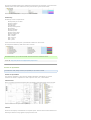
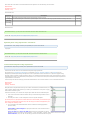
Items Included:
Multiline
Requirements
No special requirements.
Install Notes
Files Needed Multiline.SwiftPluginPackage from PlanSwift Plugin Store
Steps
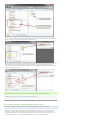
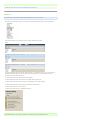
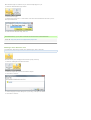
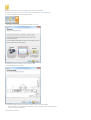
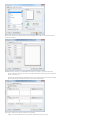
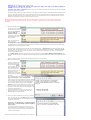
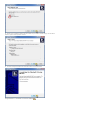
1. Open PlanSwift if it is not already open.
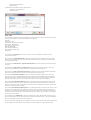
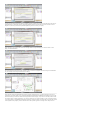
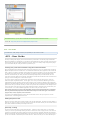
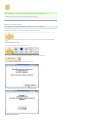
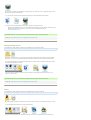
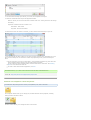
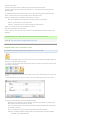
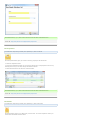
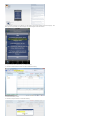
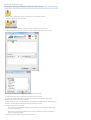
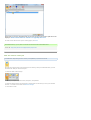
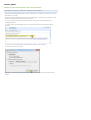
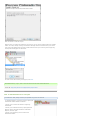
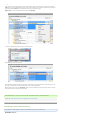
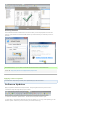
2. Go to Plugin Store Tab and make the necessary steps for downloading the plugin.
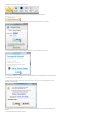
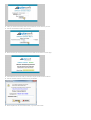
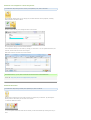
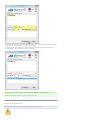
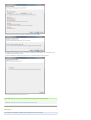
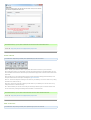
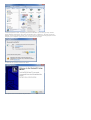
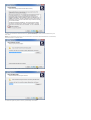
3. When download is finished choose "Open”. This will process the installation.
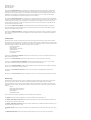
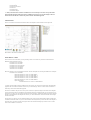
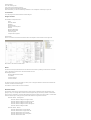
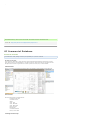
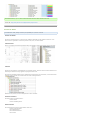
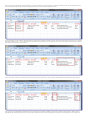
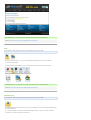
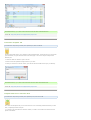
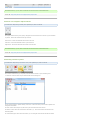
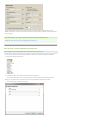
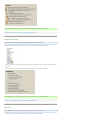
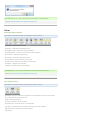
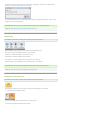
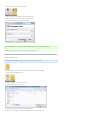
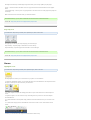
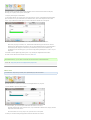
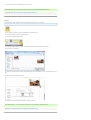
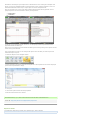
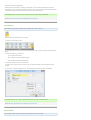
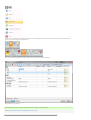
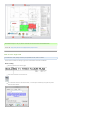
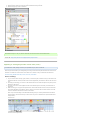
After installation you will find Multiline Tool in Linear Dropdown Menu on the Home Menu Tab.
Removal Notes
Steps
1.
2.
3.
4.
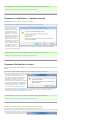
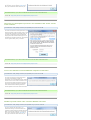
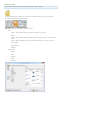
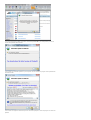
Open PlanSwift if it is not already open.
Go To Plugin Store Tab
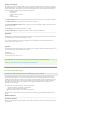
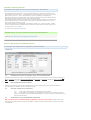
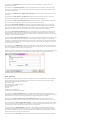
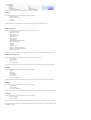
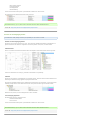
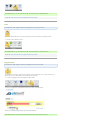
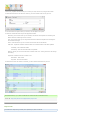
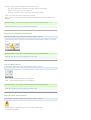
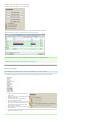
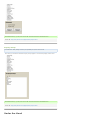
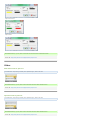
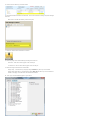
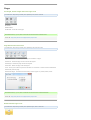
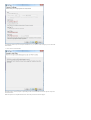
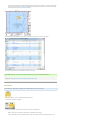
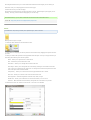
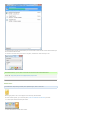
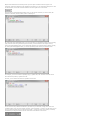
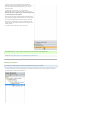
Click on the Uninstall Plugin button in Plugin Tools Section
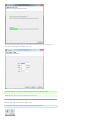
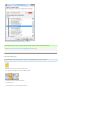
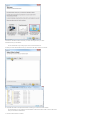
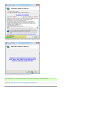
Choose "Multiline” and proceed with Next
Usage
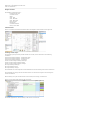
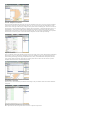
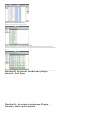
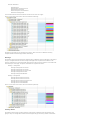
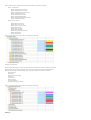
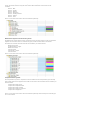
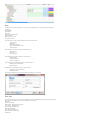
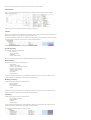
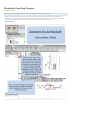
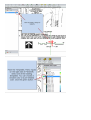
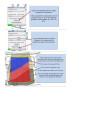
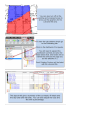
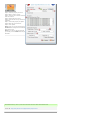
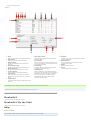
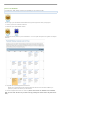
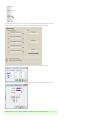
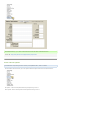
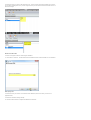
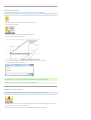
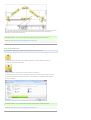
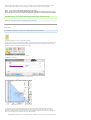
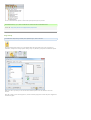
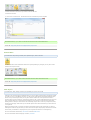
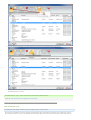
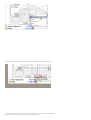
This tool is for fast drawing of a multiple parallel lines.