1
Section 4 Settings Required for Basic Control
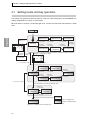
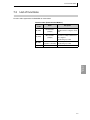
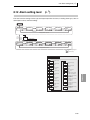
4.12 Starting and stopping control
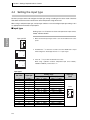
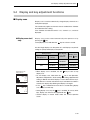
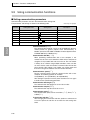
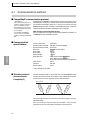
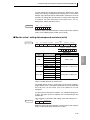
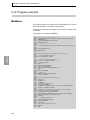
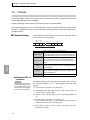
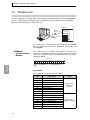
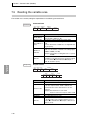
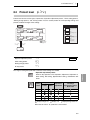
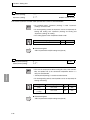
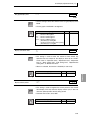
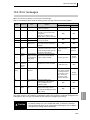
■ Control run / Control stop
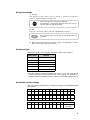
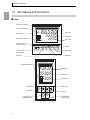
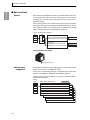
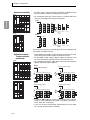
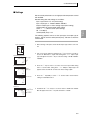
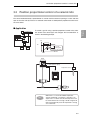
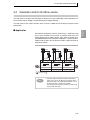
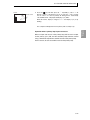
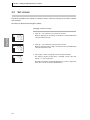
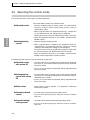
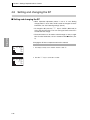
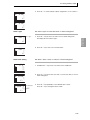
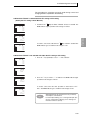
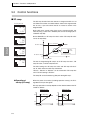
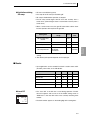
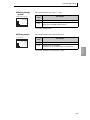
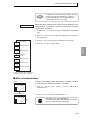
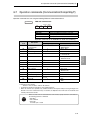
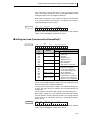
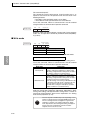
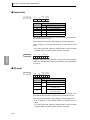
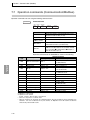
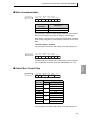
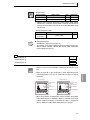
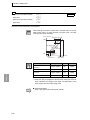
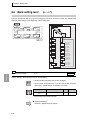
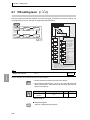
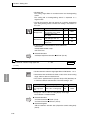
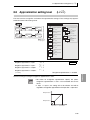
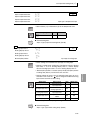
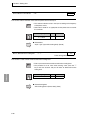
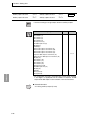
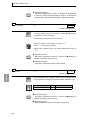
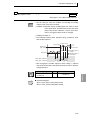
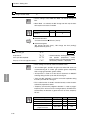
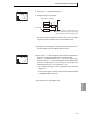
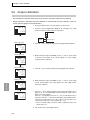
To start control, set "Run/Stop" to "Run". To stop control, set "Run/
Stop" to "Stop".
Settings Required
for Basic Control
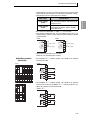
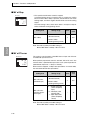
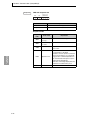
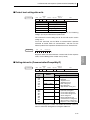
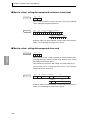
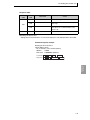
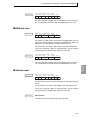
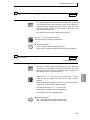
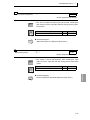
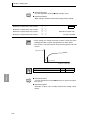
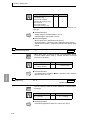
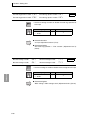
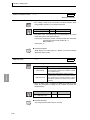
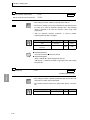
● MV at stop
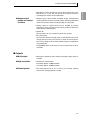
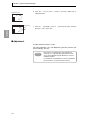
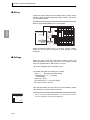
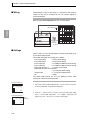
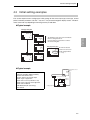
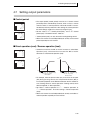
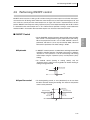
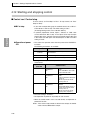
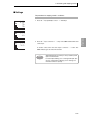
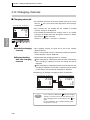
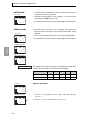
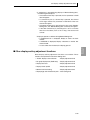
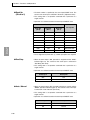
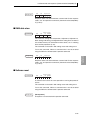
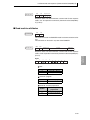
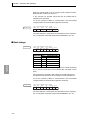
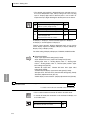
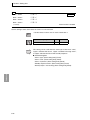
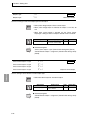
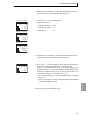
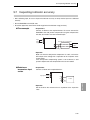
• If you wish to output during stop in standard control, set an MV of 5.0 to 105.0% in "MV at stop". The initial setting is "0.0%".
(In heating/cooling control, set to -105.0 to 105.0%)
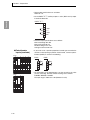
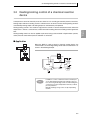
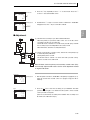
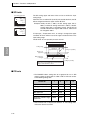
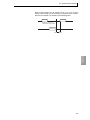
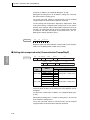
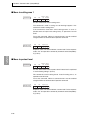
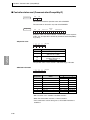
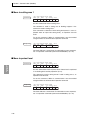
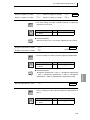
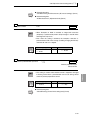
• In position proportional control, "Open", "Closed", or "Hold" state
can be selected in "MV at stop". In the "Open" state only the open
output is ON, in the "Closed" state only the closed output is ON, and
in the "Hold" state both open and closed outputs are OFF. The initial
setting is "Hold".
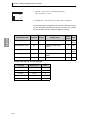
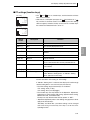
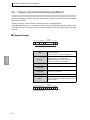
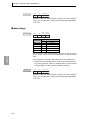
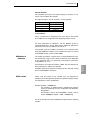
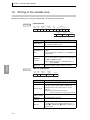
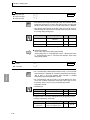
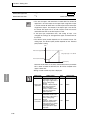
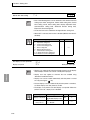
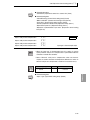
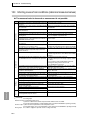
● Operation at power
ON
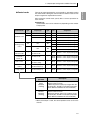
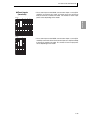
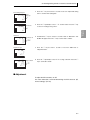
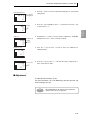
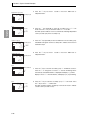
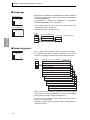
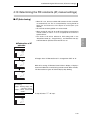
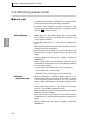
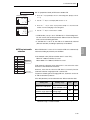
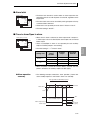
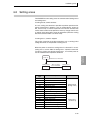
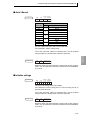
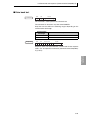
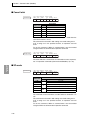
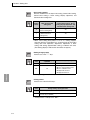
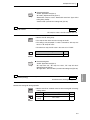
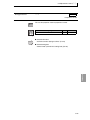
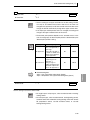
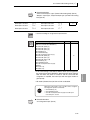
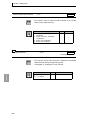
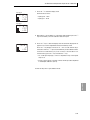
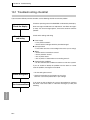
• This selects the operation state when the power of the E5AR/ER is
turned on.
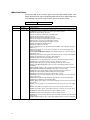
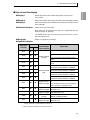
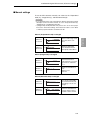
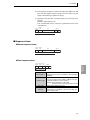
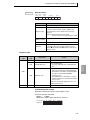
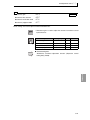
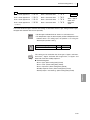
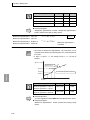
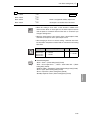
The following 3 selections are available.
Setting values
Operation
Continue
Resumes the state of the system before the power
was turned off.
Stop
Manual mode
Control is stopped when the power is turned on.
Enters manual mode when the power is turned on.
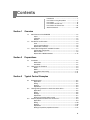
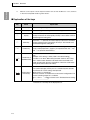
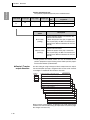
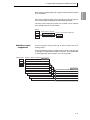
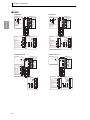
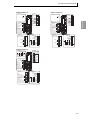
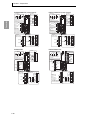
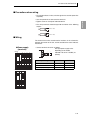
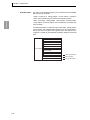
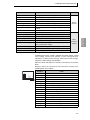
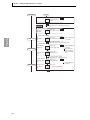
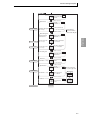
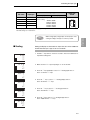
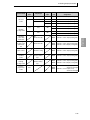
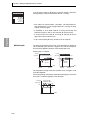
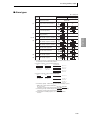
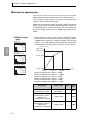
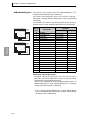
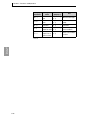
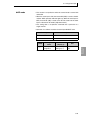
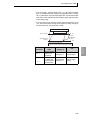
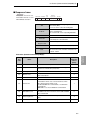
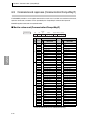
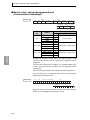
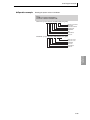
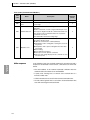
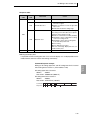
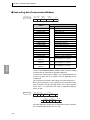
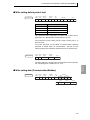
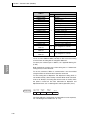
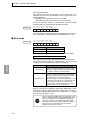
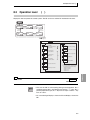
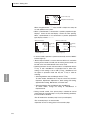
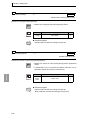
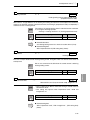
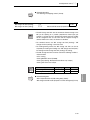
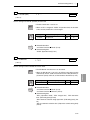
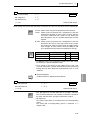
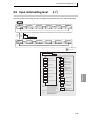
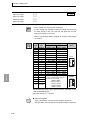
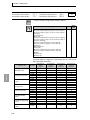
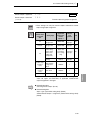
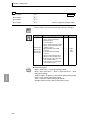
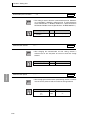
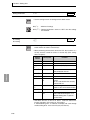
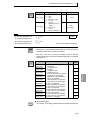
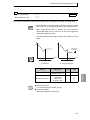
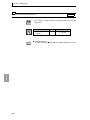
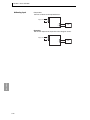
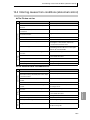
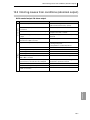
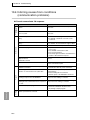
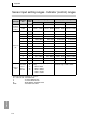
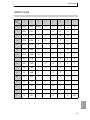
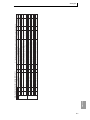
• Setting values for operation at power ON and additional items are
shown below.
Operation after
power ON
Continue
Additional items
Run/Stop
Auto/Manual
MV
Stop
Run/Stop
Auto/Manual
MV
Manual mode
Run/Stop
Auto/Manual
MV
Hold
Hold
From initial MV in auto mode
Hold in manual mode
Stop
Hold
Hold if in manual mode before
power off
MV at stop if in auto mode
before power off
Hold
Manual
Manual MV default at time of
power off if in manual mode
before power off
MV at stop if in auto mode
before power off (Note 1)
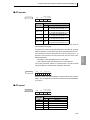
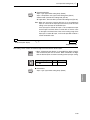
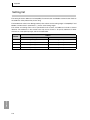
• The initial setting is "Continue".
• Set "Operation at power off" separately for each channel.
• When the control mode is set to cascade control, set "Operation at
power ON" for CH2.
Note 1: If the manual output mode is default value output, the default
value of manual MV default is output.
4-26