1
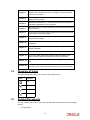
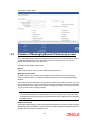
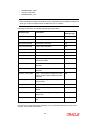
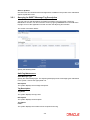
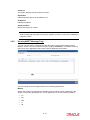
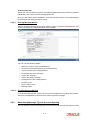
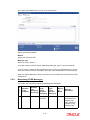
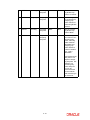
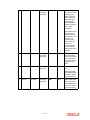
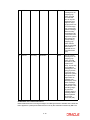
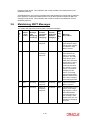
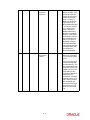
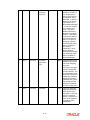
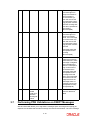
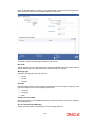
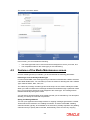
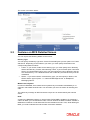
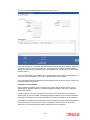
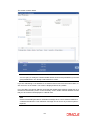
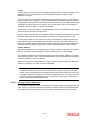
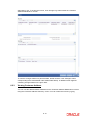
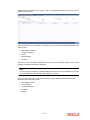
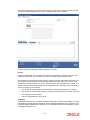
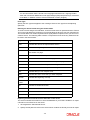
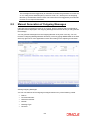
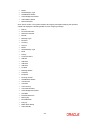
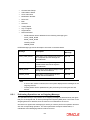
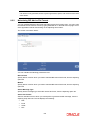
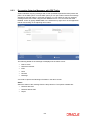
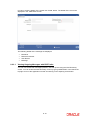
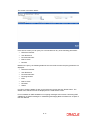
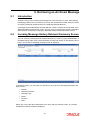
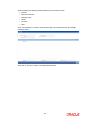
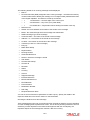
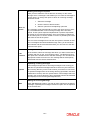
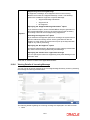
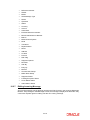
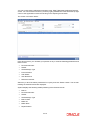
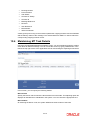
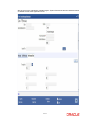
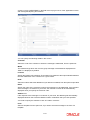
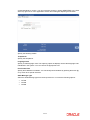
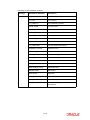
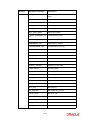
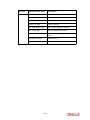
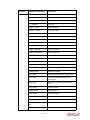
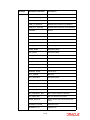
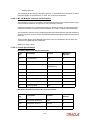
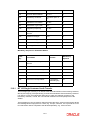
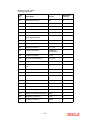
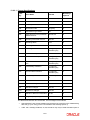
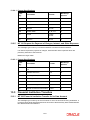
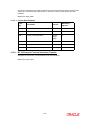
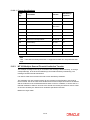
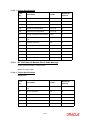
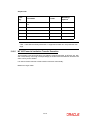
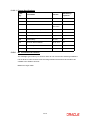
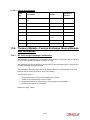
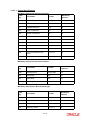
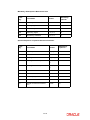
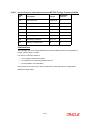
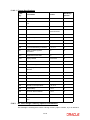
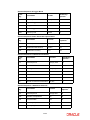
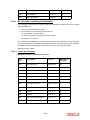
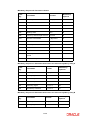
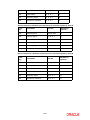
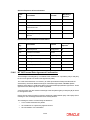
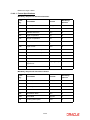
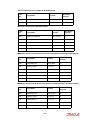
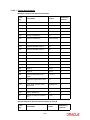
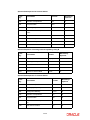
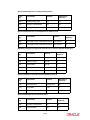
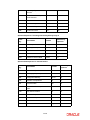
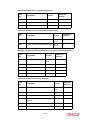
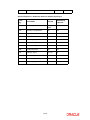
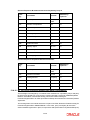
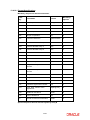
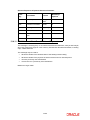
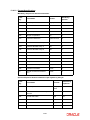
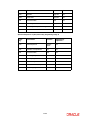
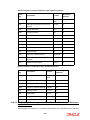
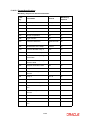
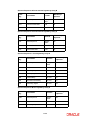
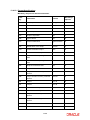
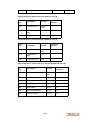
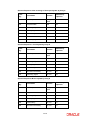
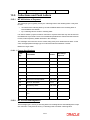
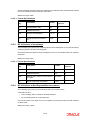
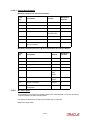
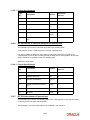
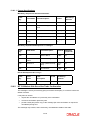
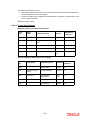
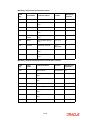
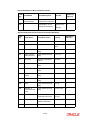
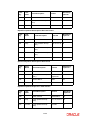
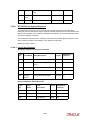
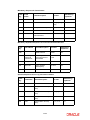
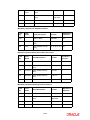
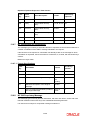
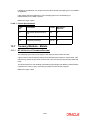
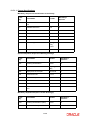
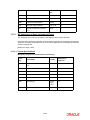
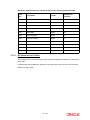
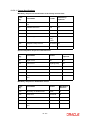
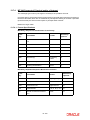
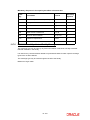
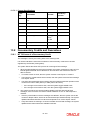
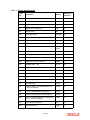
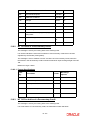
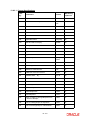
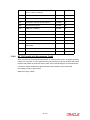
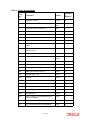
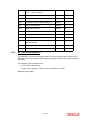
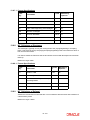
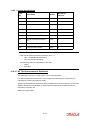
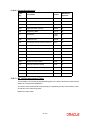
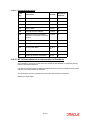
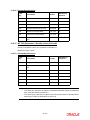
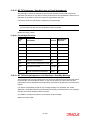
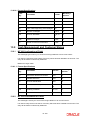
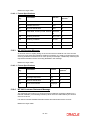
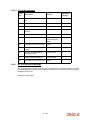
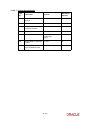
The following details of an incoming message will be displayed: Branch Document Number (DCN) assigned to the incoming message -- the DCN is the delivery control number used to identify the message. It is a 10-digit number prefixed with a letter of the English alphabet. The DCN ID is made up as follows: – ? 1-2 Characters -- Last two digits of the current year – ? 3-5 Characters -- Day of the year (Julian Date) – ? 6-10 Characters -- Sequential number starting from 00001 each day Reference No Sender- the name address and location of the sender of the message Media - the media through which the message was transmitted SWIFT Message Type of the message Customer Name – the name of the sender of the message Address 1–4 – the location of the sender of the message Location – the location of the sender of the message Testword (in case of a Telex message) Entry By Maker Date Stamp Repair Reason Running Number Generated Reference Queue in which the message is stored Auth Status Checker Date Stamp Checker ID Remarks Status Currency Amount Suppress Message External Reference Multi Credit Reference RTGS Network Process Status Modification Number PDE Flag Required Execution Date You can set some of the above parameters to make a query. Specify the details in the respective fields and click ‘Search’ button to view the details. Checking the testword for a telex message Telex messages that come into your bank need to be checked for validity if you have specified so in the messaging branch preferences screen. This is done by entering a testword. The test word that you enter depends on the testword arrangement with the counterparty, the important aspects of the message like customer, date and currency. 10-3

![[December] [2010] Oracle Part Number E51712-01](http://vs1.manualzilla.com/store/data/005705420_1-4b383e67b8ec6628c44005398bb7935f-150x150.png)