Download Quick Guide - Axel Technology
Transcript
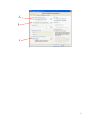
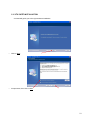
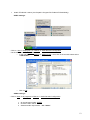
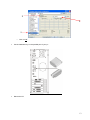
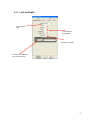
4.2. SYSTEM CONFIGURATION It is possible to set all devices parameters. If you press “SET”, it will ask you if you want to reboot Xplayout to take effect all the changes In all devices window, a field named “Routing switch” contains the command string to the switch 4.2.1. SETUP WIZARD It’s a wizard which will guide you to an easy setup of Xplayout, just following few steps • Select video standard (PAL o NTSC) • Select if you want to install FFDSHOW codecs The wizard recognize what kind of video device is present. First at all it checks if a Blackmagic Decklink is present, than a DV device (internal or external). If none of them is present, the normal vga card will be set. At the end of the wizard the readme.txt file will be show A default clip will be load and loop mode will be activated. This clip will be show every time your start Xplayout until you press the Play button. 26