1
GUI Client
Uploading files to a Review
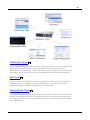
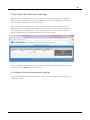
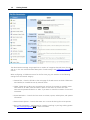
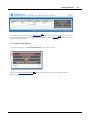
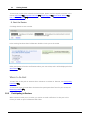
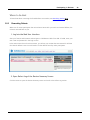
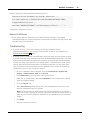
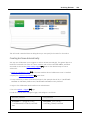
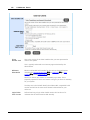
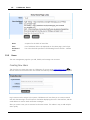
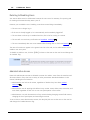
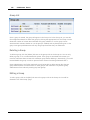
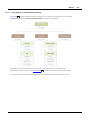
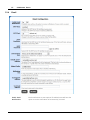
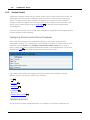
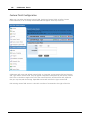
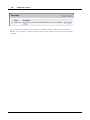
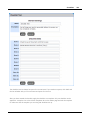
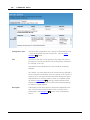
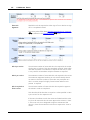
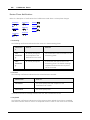
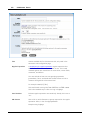
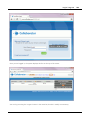
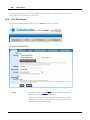
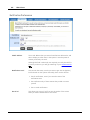
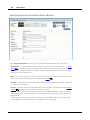
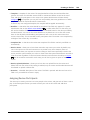
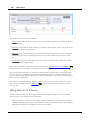
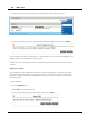
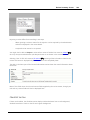
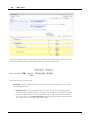
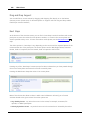
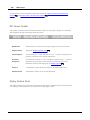
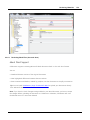
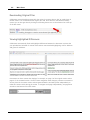
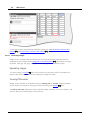
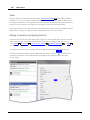
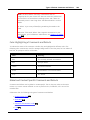
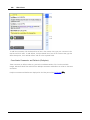
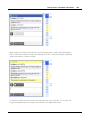
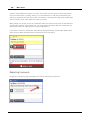
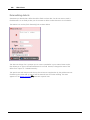
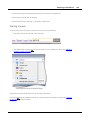
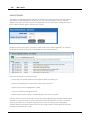
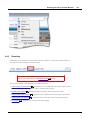
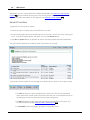
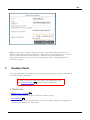
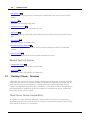
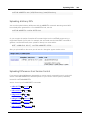
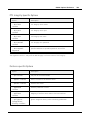
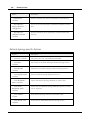
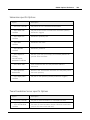
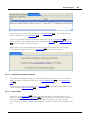
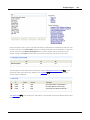
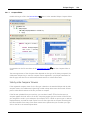
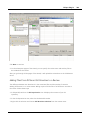
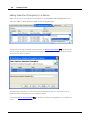
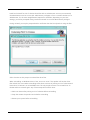
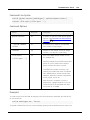
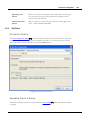
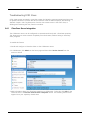
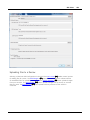
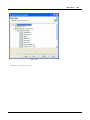
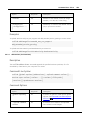
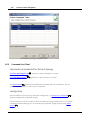
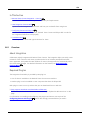
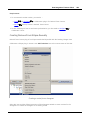
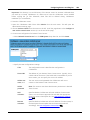
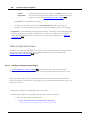
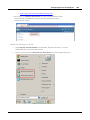
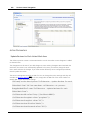
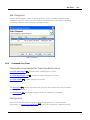
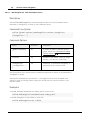
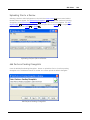
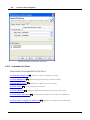
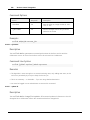
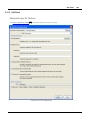
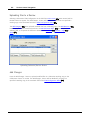
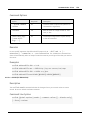
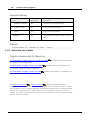
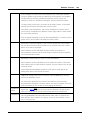
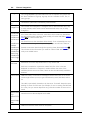
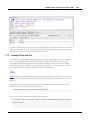
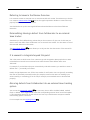
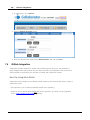
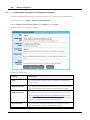
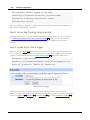
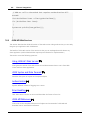
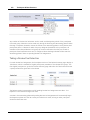
Selecting a Perforce SCM Configuration in the GUI Client main screen 332 causes several Add to
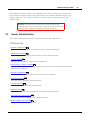
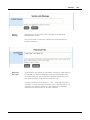
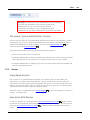
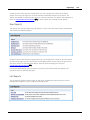
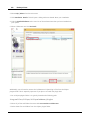
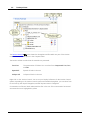
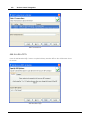
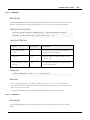
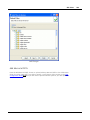
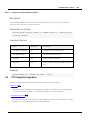
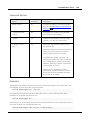
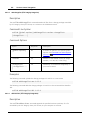
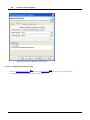
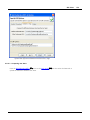
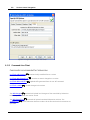
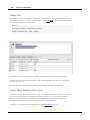
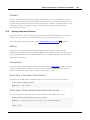
Review buttons to appear. The Add Pending Changelists... 536 button uploads numbered, pending
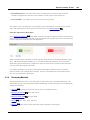
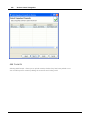
changelists. The Add Submitted Changelists... 537 button uploads submitted changelists. The Add
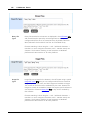
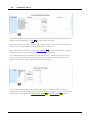
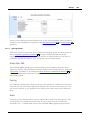
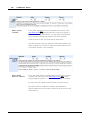
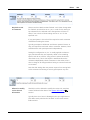
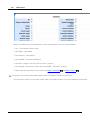
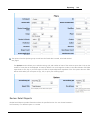
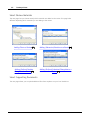
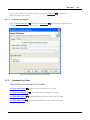
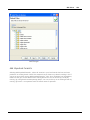
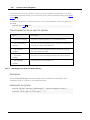
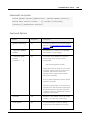
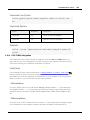
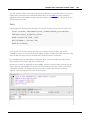
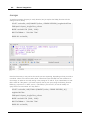
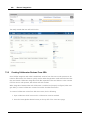
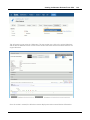
Perforce Diffs... 537 button uploads arbitrary diffs, compares files in a Branch 538 , or compares the
difference between two Labels 539 or dates 540 .
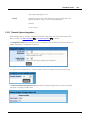
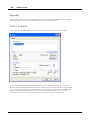
Uploading Perforce files to a Review
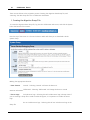
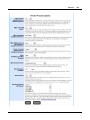
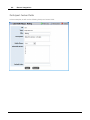
Add Perforce Pending Changelists
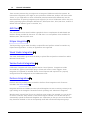
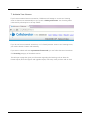
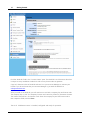
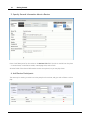
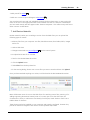
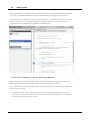
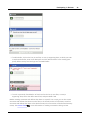
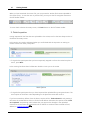
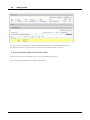
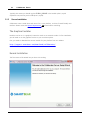
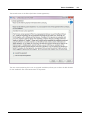
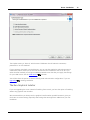
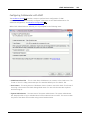
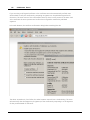
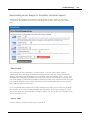
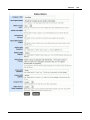
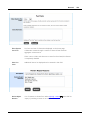
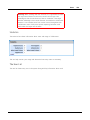
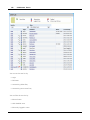
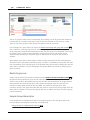
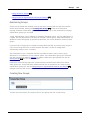
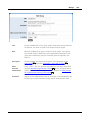
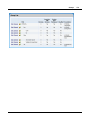
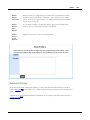
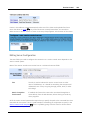
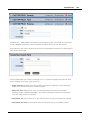
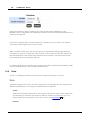
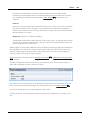
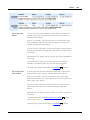
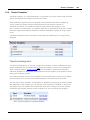
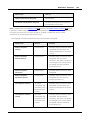
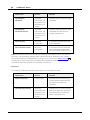
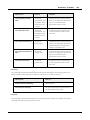
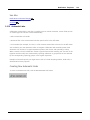
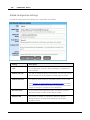
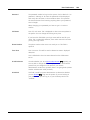
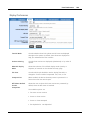
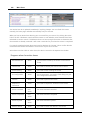
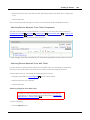
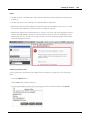
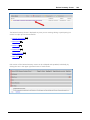
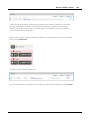
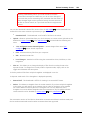
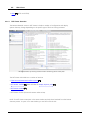
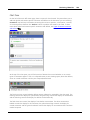
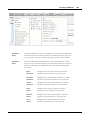
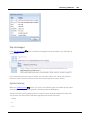
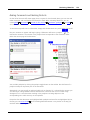
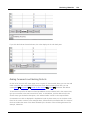
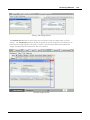
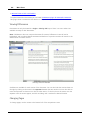
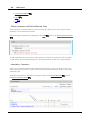
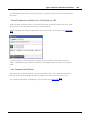
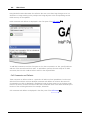
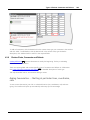
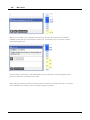
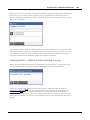
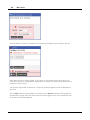
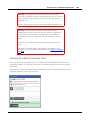
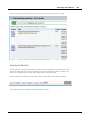
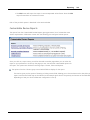
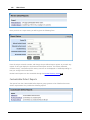
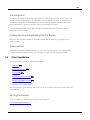
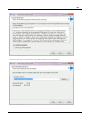
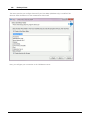
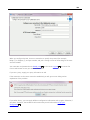
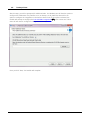
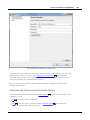
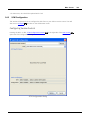
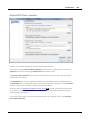
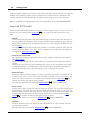
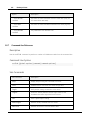
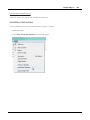
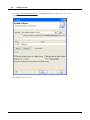
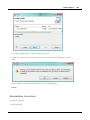
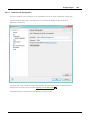
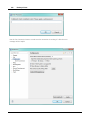
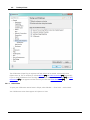
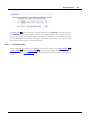
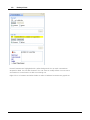
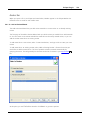
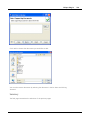
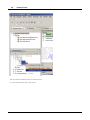
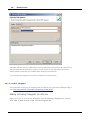
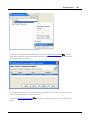
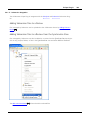
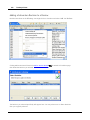
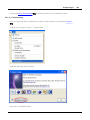
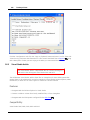
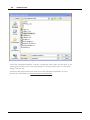
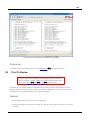
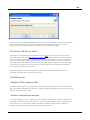
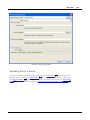
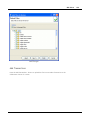
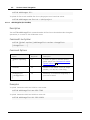
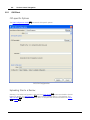
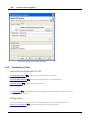
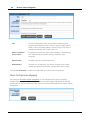
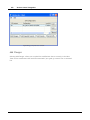
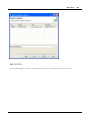
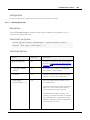
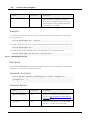
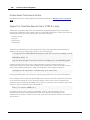
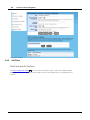
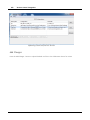
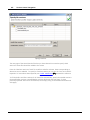
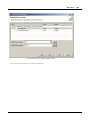
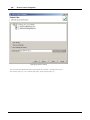
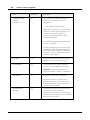
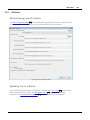
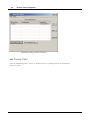
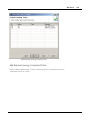
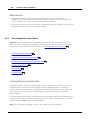
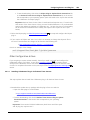
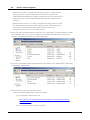
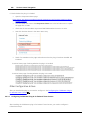
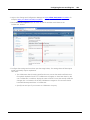
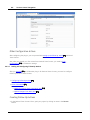
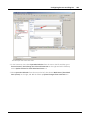
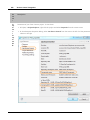
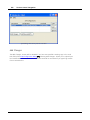
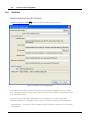
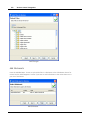
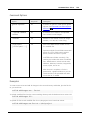
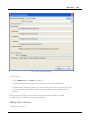
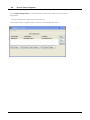
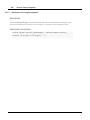
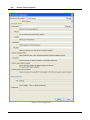
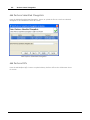
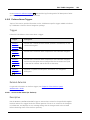
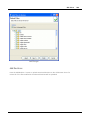
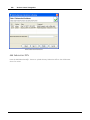
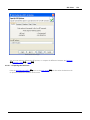
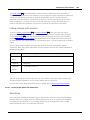
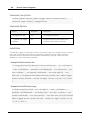
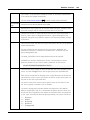
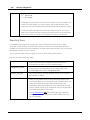
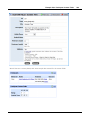
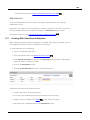
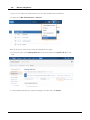
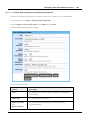
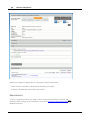
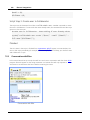
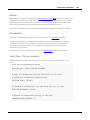
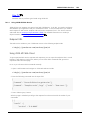
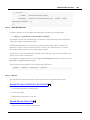
Press the Add Perforce Pending Changelists... button to upload the files in a Perforce pending
changelist to the Collaborator Server for review. You cannot upload the default changelist.
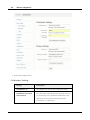
Add Perforce Pending Changelists
© 2003-2015 SmartBear Software
536