1
559
Version Control Integration
Installation
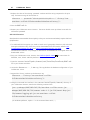
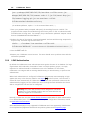
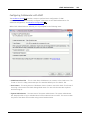
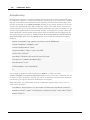
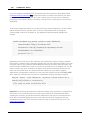
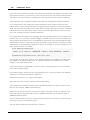
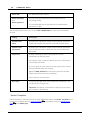
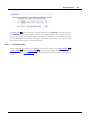
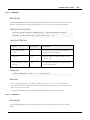
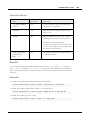
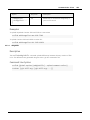
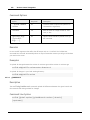
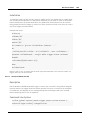
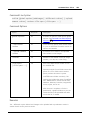
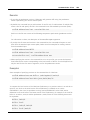
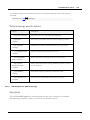
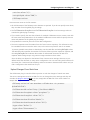
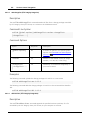
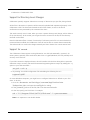
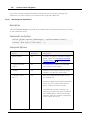
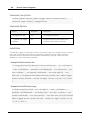
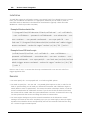
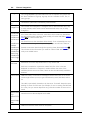
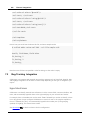
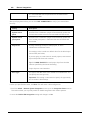
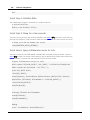
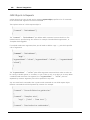
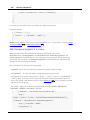
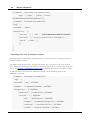
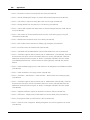
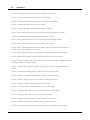
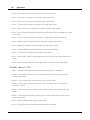
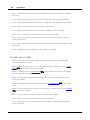
To install the trigger, add a line like one of those below to your Perforce Triggers list:
· Example 1: Adding the trigger as a submit trigger:
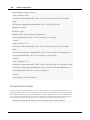
ccollabupdatechangelist change-commit //depot/... "/usr/bin/ccollab
--url <collabUrl> --user <collabUser> --password <collabPasswd> --scm
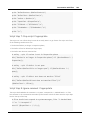
perforce --p4port <p4port> --p4user <p4user> --p4passwd <p4passwd> -p4client <p4client> admin trigger update-changelist --descriptionprefix 'Review: ' --description-template 'ID ${review.id} by
${review.participants.rolename}' %changelist%
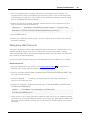
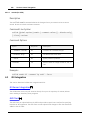
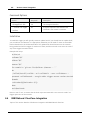
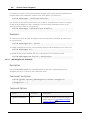
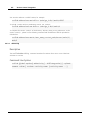
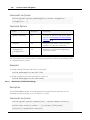
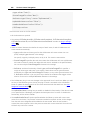
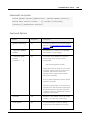
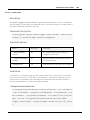
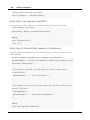
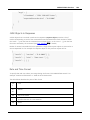
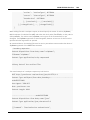
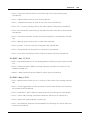
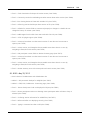
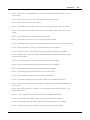
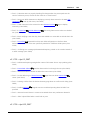
· Example 2: Adding the trigger as a form-in trigger:
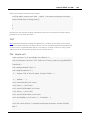
ccollabupdatechangelist form-in change "/usr/bin/ccollab --url
<collabUrl> --user <collabUser> --password <collabPasswd> --scm
perforce --p4port <p4port> --p4user <p4user> --p4passwd <p4passwd>
admin trigger update-changelist --description-prefix 'Review: ' -description-template 'ID ${review.id} by ${review.participants.
rolename}' %formfile%
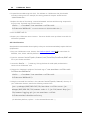
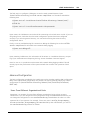
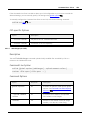
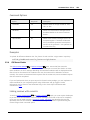
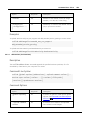
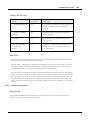
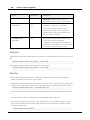
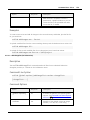
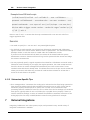
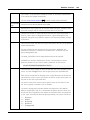
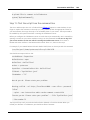
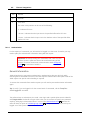
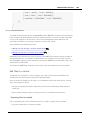
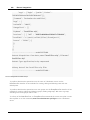
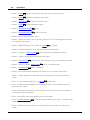
Some notes:
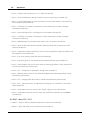
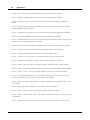
· Specify your installation directory for ccollab and replace <values> with appropriate data.
Also, type all parameters in a single line even though the text above occupies several lines.
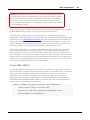
· The Perforce user that you specify must have read-write access to the changelist.
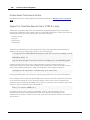
· On Unix systems, Perforce incorrectly recognizes arguments that include spaces. It ignores
quotes and other standard ways of indicating that the data with spaces is actually one
argument. The workaround is to use a separate bash script to call our trigger.
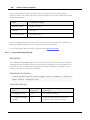
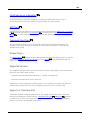
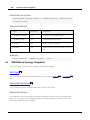
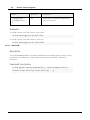
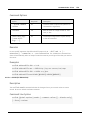
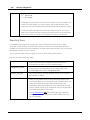
Remarks
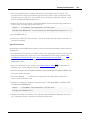
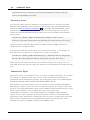
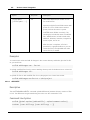
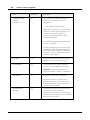
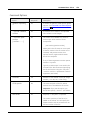
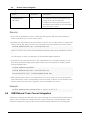
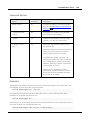
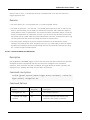
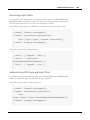
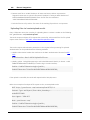
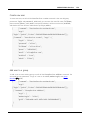
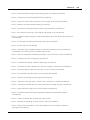
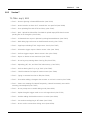
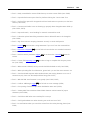
· The --description-prefix option serves as an identifier of the review line in the changelist
description. The trigger uses it to find the review-specific string within the description. If the
string is found, the trigger updates information in-place. If the string is not found, the trigger
appends a new line with review-specific data to the end of the description.
© 2003-2015 SmartBear Software