1
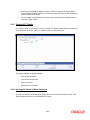
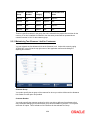
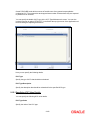
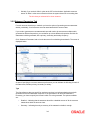
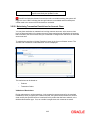
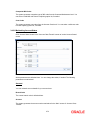
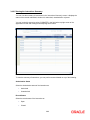
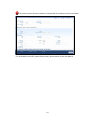
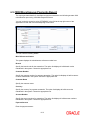
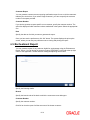
In this screen, you can only enter the disputed amount. All the other details will be displayed
automatically. The reference number and reporting date will be displayed when you save the
record by clicking ‘OK’. You need to authorize the record in the ‘Check 21 Claim Logging
Summary’ screen.
For more information on screen, refer the section ‘Logging Claims’ in the chapter ‘Logging
EFT\Check 21 Claims’ of Core Services User Manual.
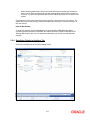
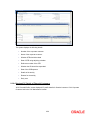
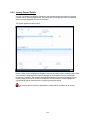
For banks that operate in single currency, a different screen has been provided in FLEXCUBE for
accounting entry retrieval.
To invoke the screen, type in ‘ACDBIRAD’ in the top right corner of the application toolbar and
click the arrow button.
6-16