1
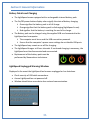
ProCat: Users should consider using Smartwriter settings in Step 10 if the software requires
an initial stroke on the writer before starting a transcript. Ensure the “Wait for initialization
packet” box is checked in Writer Setting tab. See Section 3, Step 4.
1.
2.
3.
4.
5.
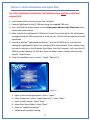
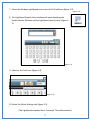
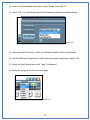
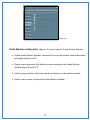
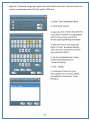
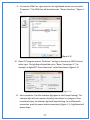
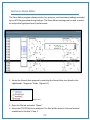
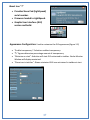
Under Translate Menu, select “Preferences.”
Select Writer tab.
Select “Baron TX.”
Select appropriate COM port from Step 12.
Select OK to save settings. Begin translation.
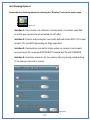
For proper LightSpeed startup and shutdown the following steps must be
performed sequentially:
Normal LightSpeed startup and Translation Sequence.
1.
2.
3.
4.
5.
6.
7.
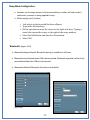
Ensure SD card is inserted into SD card port.
Connect LightSpeed to PC using supplied USB cable.
Power up LightSpeed.
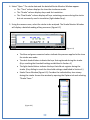
Start LightSpeed software Graphic User Interface (GUI).
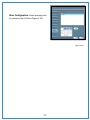
Verify GUI settings and select start.
Start translation software and verify steno source settings.
Start translation.
Ending translation and powering down LightSpeed Sequence.
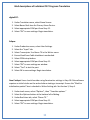
1. Stop CAT program translation.
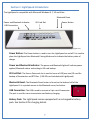
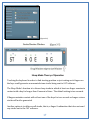
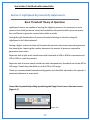
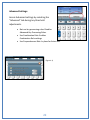
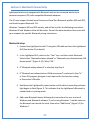
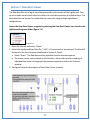
2. Select Start/Stop button (figure 2-6) until “Start” is displayed. A message will
appear with a notification that the writer has stopped.
3. Close the LightSpeed GUI program.
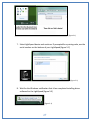
4. Press the power button momentarily. The power light will extinguish.
5. Disconnect the USB cable.
12