1
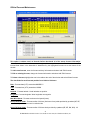
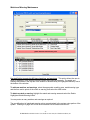
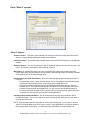
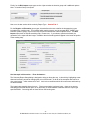
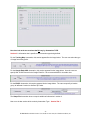
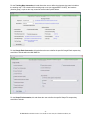
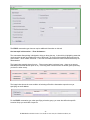
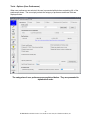
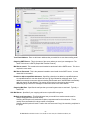
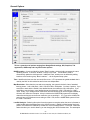
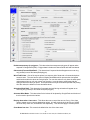
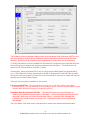
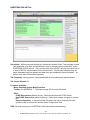
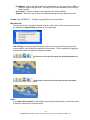
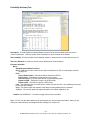
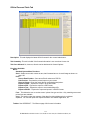
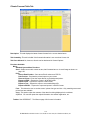
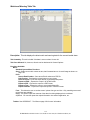
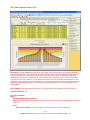
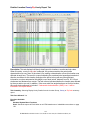
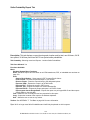
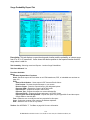
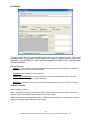
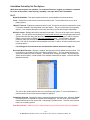
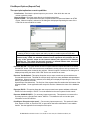
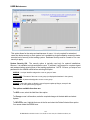
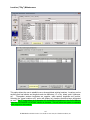
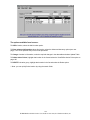
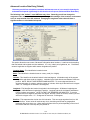
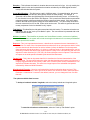
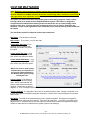
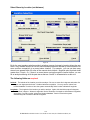
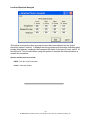
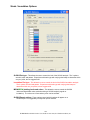
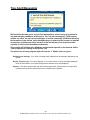
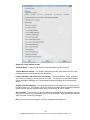
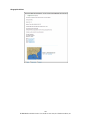
Proxy Selection – Select the type of connection required for your system to access the internet (HTTP retrieves). Start with the NO Proxy setting and then try the 2 Auto Detect options, testing the connection with each option. If the test connection fails, then manually define your Proxy server information. The manual options include… Proxy Server Type - This option specifies whether your HTTP proxy server is an NTLM type or a basic type. Check with your network administrator for this information. Proxy Server Name - This field contains the domain name of your HTTP proxy server. If this is entered, you do not need to enter information into the proxy server IP address field. Check with your network administrator for this information Proxy Server IP Address - This field contains the IP address of your HTTP proxy server. If this is entered, then you do not need to enter information into the Proxy Server Name field. Check with your network administrator for this information. Proxy Port - This field contains the port number for your HTTP proxy server. This defaults to the standard port of 80, although your port number may be different. Check with your network administrator for this information. Proxy USERID - you have an authenticating proxy server. This field allows you to enter the userid required for access to the proxy server. Check with your network administrator for this information Proxy Password - If you have an authenticating proxy server. This field allows you to enter the password required for access to the proxy server. Check with your network administrator for this information. Tunnel – Select this option if your proxy server requires SSL tunneling. Check with your network administrator for this information. 80 HURRTRAK & Global Tracker Users Guide 1992-2012, PC Weather Products, Inc.