1
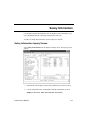
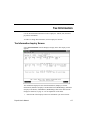
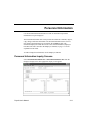
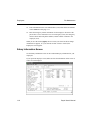
Salary Information
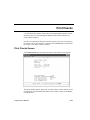
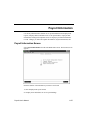
Employee Inquiry
Looking at a different employee record
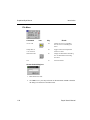
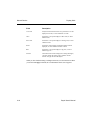
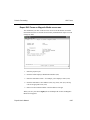
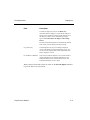
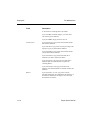
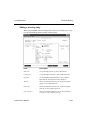
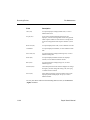
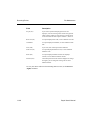
To look at a different employee record, press E. Then enter the employee ID.
To look at the next employee record on file, press N.
To look at the previous employee record on file, press P.
To look at the first employee record on file, press F.
To look at the last employee record on file, press L.
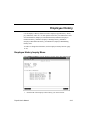
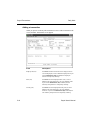
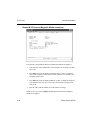
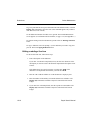
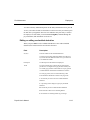
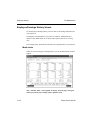
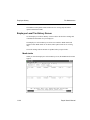
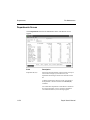
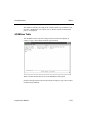
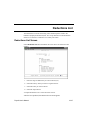
Looking at scheduled deduction information
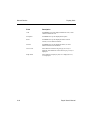
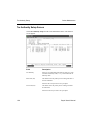
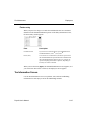
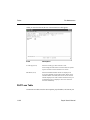
The Goto line command appears only if there is more than one screen of items.
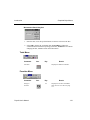
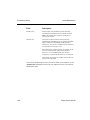
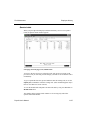
To look at a particular scheduled deduction, press G and then enter the deduction
code or use the Inquiry command to select the code.
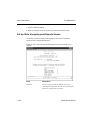
Looking at factors
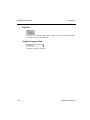
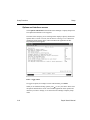
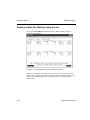
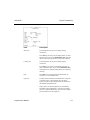
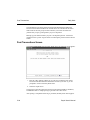
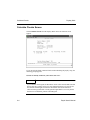
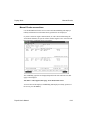
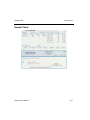
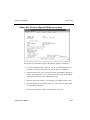
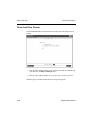
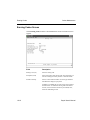
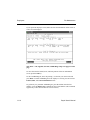
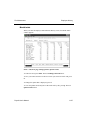
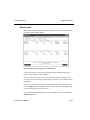
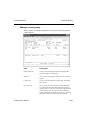
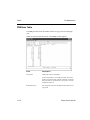
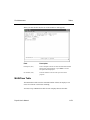
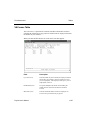
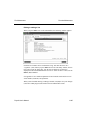
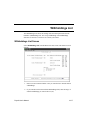
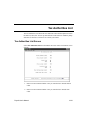
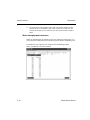
To look at factor information for a scheduled deduction, press V. The Factor Entry
window appears.
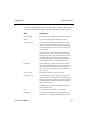
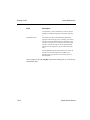
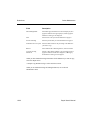
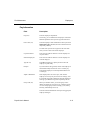
The information displayed comes from the PADExxx (Employee Deductions) and
PAEGxxx (Employee General Information) files and is entered in the Employees
function; see page 11-3 for an explanation of the fields.
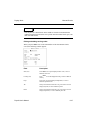
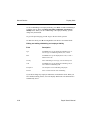
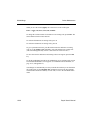
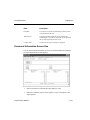
When you are finished looking at the information, press E to clear the screen and
return to the Employee ID field, or exit to the Employee Inquiry menu.
4-6
Payroll User’s Manual