1
Employees
File Maintenance
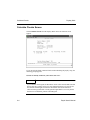
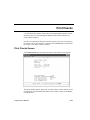
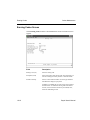
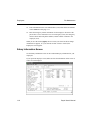
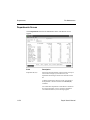
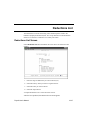
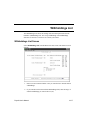
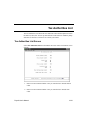
Employees Screen
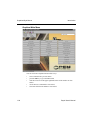
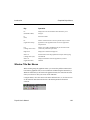
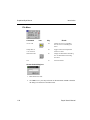
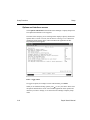
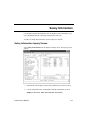
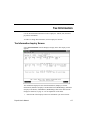
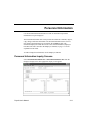
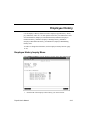
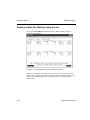
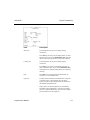
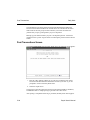
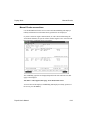
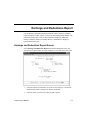
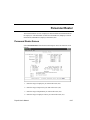
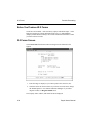
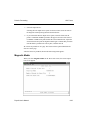
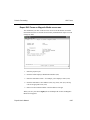
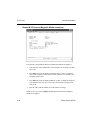
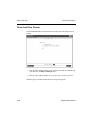
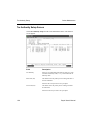
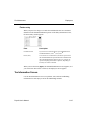
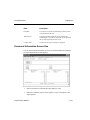
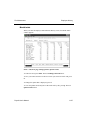
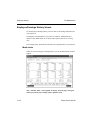
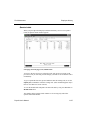
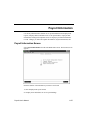
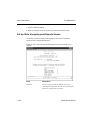
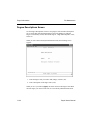
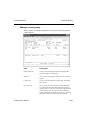
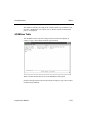
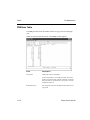
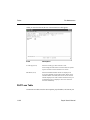
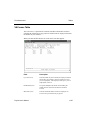
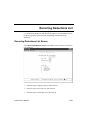
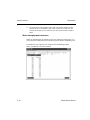
Select Employees from the File Maintenance menu. The header screen appears.
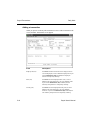
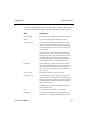
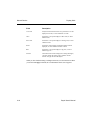
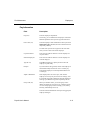
Field
Description
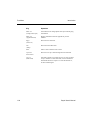
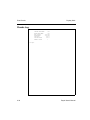
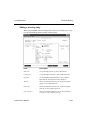
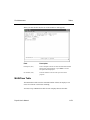
Employee ID (A6)
Enter the ID of the employee whose record you want to add,
change, or delete. If you enter an existing ID, the
employee’s name appears.
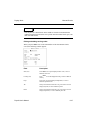
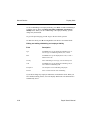
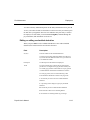
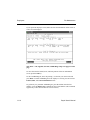
If you try to add an employee in the PAEGxxx.LYx (lastyear Employee General Information) file, the PAEGxxx
(current-year Employee General Information) file is not
updated. The following message appears: Warning:
Adding employees in last-year files will not update
current-year files.
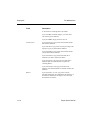
If you need to add the employee for W-2 reporting, press
Enter and then enter the employee information.
11-4
Payroll User’s Manual