1
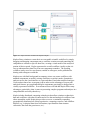
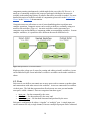
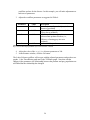
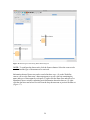
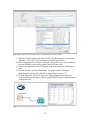
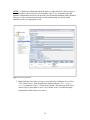
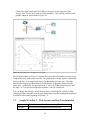
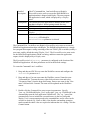
NOTE: To find more information about the data set, right-click Datos Meteorologicos
on the Workflow canvas and select Get Metadata (Figure 24). Depending upon the
amount of information entered by the provider, much valuable metadata can be obtained.
The type of value and measurement type of each attribute help you decide which
statistical models are appropriate to run.
Figure 24: Viewing Metadata
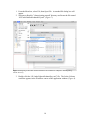
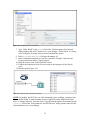
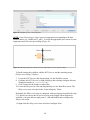
5. Right-click the Datos Meteorologicos actor and select Configure Actor. Select
“As Column Vector” from the pull-down menu beside the Data Output
Format parameter (Figure 25) and click Commit. (The data type of the Datos
Meteorologicos actor must be set to “As Column Vector” to match the input
requirements of the RExpression actor.)
39