1
28
7.1.7
8421 -1595015950-18
Scale Interactive Test Panel
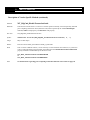
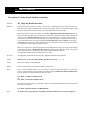
The OPOS Specification requires that the Service Object provide the ability to perform an interactive test of the (scale)
device. The SO typically should display a modal dialog box to present test options an results.
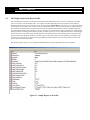
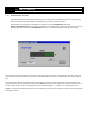
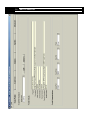
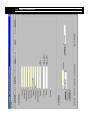
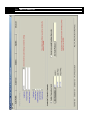
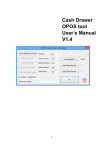
The following scale test dialog box is displayed in response to a call the CheckHealth method (with
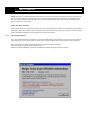
OPOS_CH_INTERACTIVE passed as the Level parameter). The Administrator program provides convenient access to
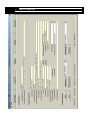
this test program by clicking on the CheckHe alth button in the Comon Methods section of the Common tab panel.
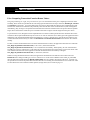
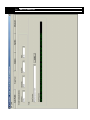
In operation, the panel will dynamically display the current weight on the scale with its units-of-measure. In addition, it will indicate whether the weight is STABLE (or not) and error conditions OVER CAPACITY or UNDER CAPACITY (if/when applica ble).
The Capacity label indicates the maximum rated capacity of the scale and is the value read from the scale (if supported) or the
value entered on the Advanced tab panel. Clicking on the ZERO button will cause the weight on the scale to be cleared to zero if
all scale-zeroing criteria are met. The example above shows a weight reading of 1.5 pounds on a 30 pound capacity scale.
NOTE: As required by the OPOS Secification, this is a modal dialog box and must be closed before access to the POS application
will again be allowed.