1
GRIDLINK User Manual
7.4 MINUTE HISTORY
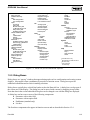
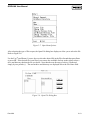
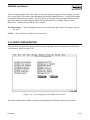
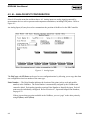
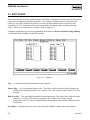
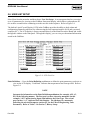
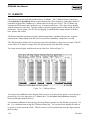
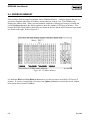
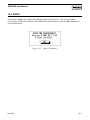
Select History from the menu bar and then choose Minute. The Minute History database option
displays the values for history points (other than FST controlled) logged in the GridBoss for the last 60
minutes in one-minute increments from the current minute.
The District Regulator samples ambient temperature, regulator inlet pressure, regulator outlet pressure,
output signal to the Kixcel, Kixcel position, and battery voltage once a second. The DR then stores one
hour of minute averages to the Minute Historical Log.
The Low Pressure Point samples the low pressure point value and battery voltage once a second. The
LPP then stores one hour of minute averages to the Minute Historical Log.
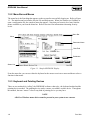
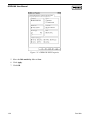
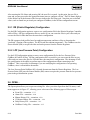
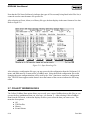
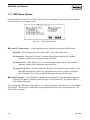
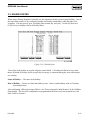
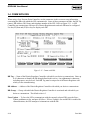
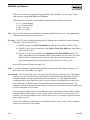
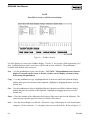
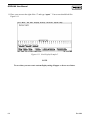
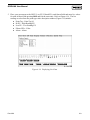
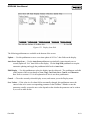
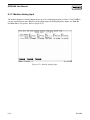
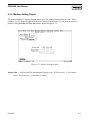
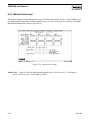
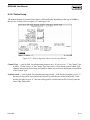
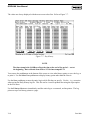
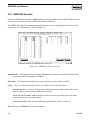
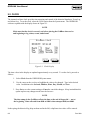
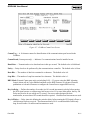
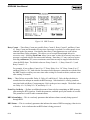
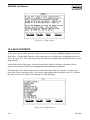
The values are always displayed with the most recent value first. Refer to Figure 7-5.
Figure 7-5. Minute History
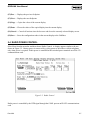
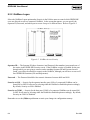
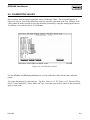
You can use the pushbuttons at the bottom of the screen to view other history points, save the log, or
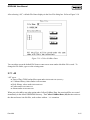
print it. Use the Select New pushbutton to display history points other than the first six.
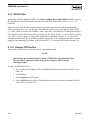
Use the Save pushbutton to store the entire log in a disk file that you specify. Use the .mdb extension
when naming the log file. This file can be viewed or printed later using the Open option in the File
menu.
Use the Print pushbutton to immediately send the entire log to a connected, on-line printer. The log
prints out up to five history points to a page.
Rev 9/99
7-9