1
GRIDLINK User Manual
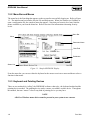
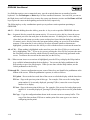
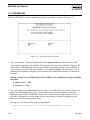
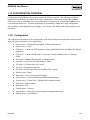
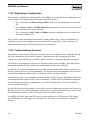
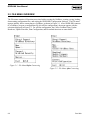
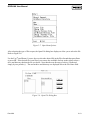
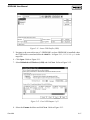
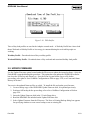
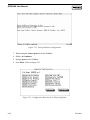
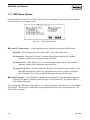
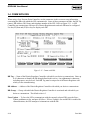
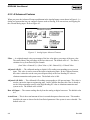
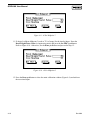
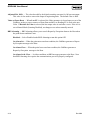
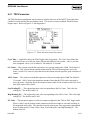
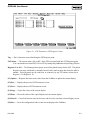
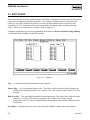
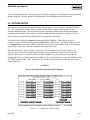
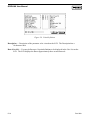
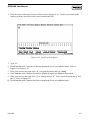
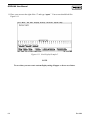
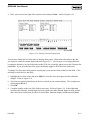
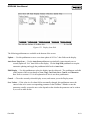
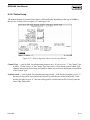
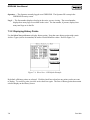
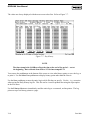
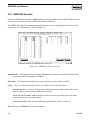
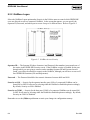
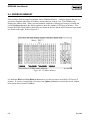
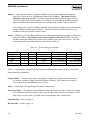
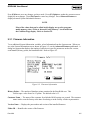
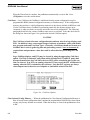
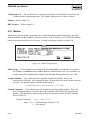
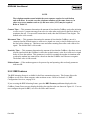
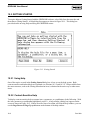
Figure 10-3. Help on Keys
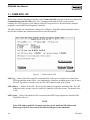
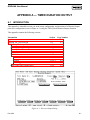
10.4 HELP CONTENTS
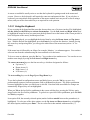
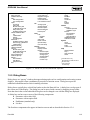
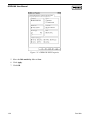
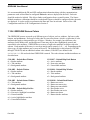
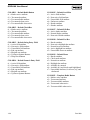
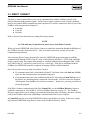
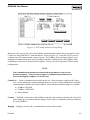
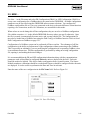
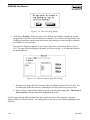
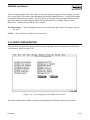
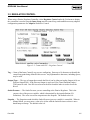
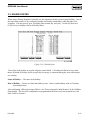
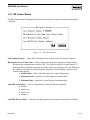
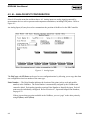
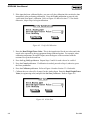
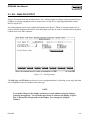
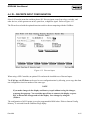
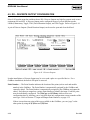
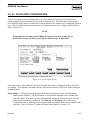
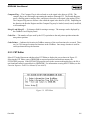
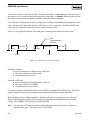
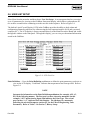
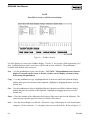
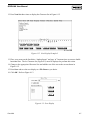
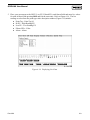
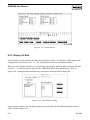
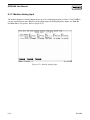
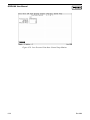
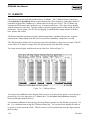
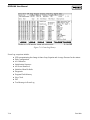
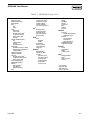
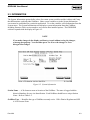
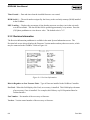
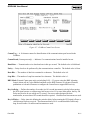
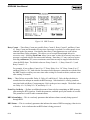
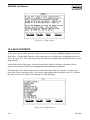
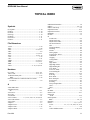
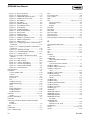
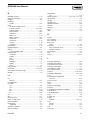
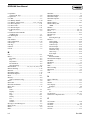
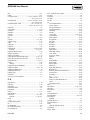
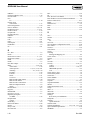
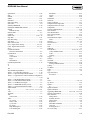
If you want to go directly to an index of help screens, you can select the Help Contents item from the
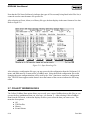
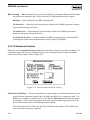
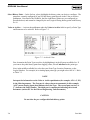
Help menu. A Help window appears with a comprehensive list of help topics in alphabetical order, as
shown in Figure 10-4. This is the same as the list obtained by using the Index pushbutton in the various
Help windows.
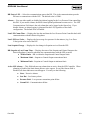
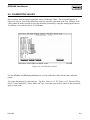
In the resulting list of help topics, select the desired topic either by clicking on the name with the
mouse, or by using the cursor keys to highlight the name and then pressing Enter.
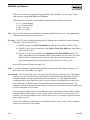
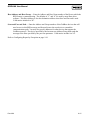
The Help topics in the Index consist mainly of parameter names and menu options. Note that some
topic names have been abbreviated. For example, Analog Input functions appear with “AI” in front of
the name, such as in AI Alarms, AI Scanning, or AI-Analog Inputs.
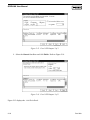
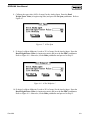
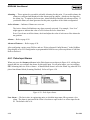
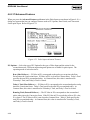
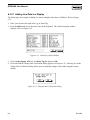
Figure 10-4. Help Contents
10-4
Rev 9/99