1
GRIDLINK User Manual
SECTION 4 — THE I/O MENU
4.1 SCOPE
This section describes how to configure a GridBoss for reading inputs and supplying outputs. In
general, the input and output configurations described in this section should be completed before the
application’s functionality (such as a PID point or an FST) is configured.
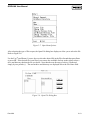
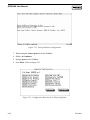
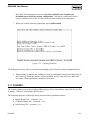
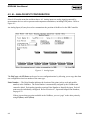
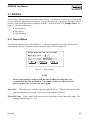
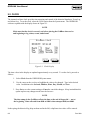
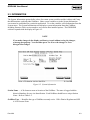
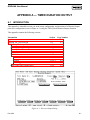
The I/O menu is accessed by selecting the I/O option in the GRIDLINK menu bar. This option
provides access to configurable I/O parameters within the GridBoss. Input and output parameters are
configured by points using options in the I/O menu. Each input and output has a unique Point Number
to identify the input or output. Each I/O point must be individually configured. When configuring
similar point types, use the (F4)Copy and (F5)Paste options to speed configuration.
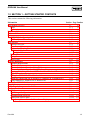
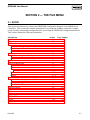
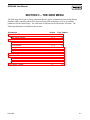
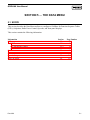
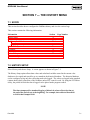
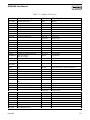
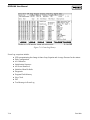
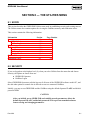
This section contains the following information:
Information
AI – Analog Input Configuration
AI Alarms
AI Advanced Features
AI Calibration
AO – Analog Output
AO Advanced Features
DI – Discrete Input Configuration
DI Alarms
DI Advanced Features
DO – Discrete Output Configuration
TDO Parameters
DO Advanced Features
PI – Pulse Input Configuration
Pulse Input Alarms
PI Advanced Features
Section
4.2
4.2.1
4.2.2
4.2.3
4.3
4.3.1
4.4
4.4.1
4.4.2
4.5
4.5.1
4.5.2
4.6
4.6.1
4.6.2
Page Number
4-2
4-4
4-6
4-7
4-11
4-13
4-15
4-17
4-18
4-20
4-23
4-24
4-25
4-28
4-30
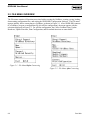
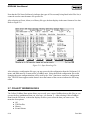
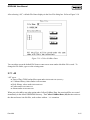
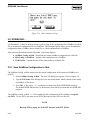
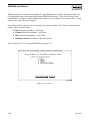
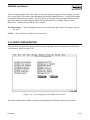
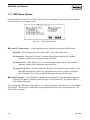
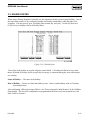
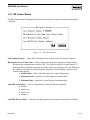
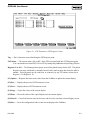
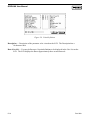
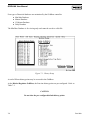
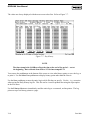
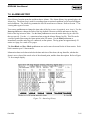
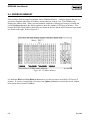
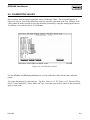
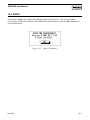
The I/O menu allows you to go directly to the I/O point you want to configure. Point types not
available for the GridBoss do not display. Use the (F2)Next and (F3)Prev keys to display various
points.
Rev 9/99
4-1