1
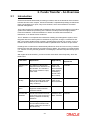
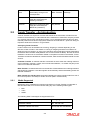
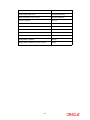
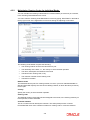
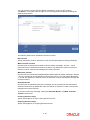
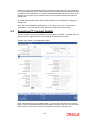
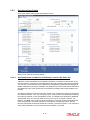
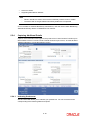
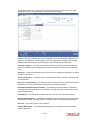
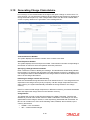
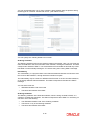
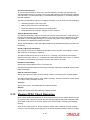
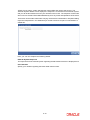
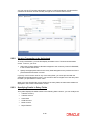
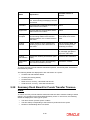
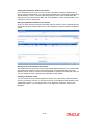
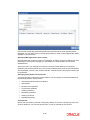
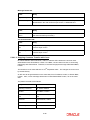
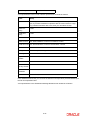
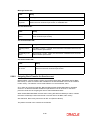
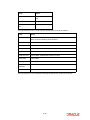
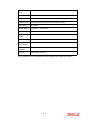
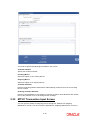
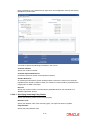
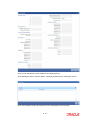
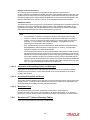
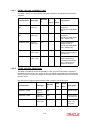
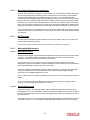
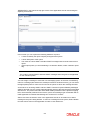
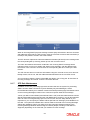
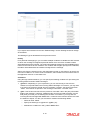
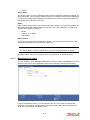
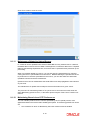
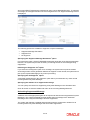
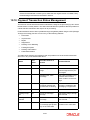
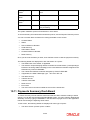
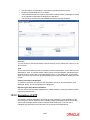
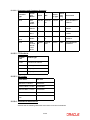
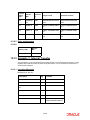
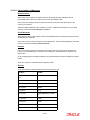
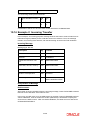
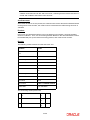
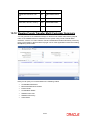
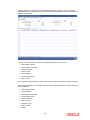
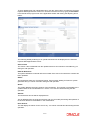
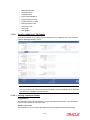
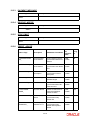
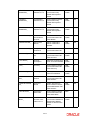
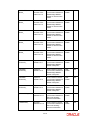
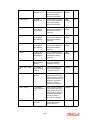
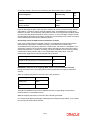
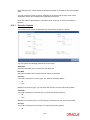
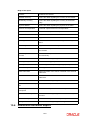
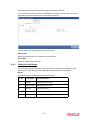
5.10 Generating Charge Claim Advice For incoming FTs, the remitter bears the charges if the option ‘Charge’ is set as ‘Ours’. For such contracts, you can direct the remitter to pay the defined charge amount by generating a Charge Claim Advice (MT191). Click ‘Charge Claim’ button from the Funds Transfer Main screen to specify details for the generation of the message MT191. Contract Reference Number The system displays the reference number of the contract in this field. Event Sequence Number The system displays the event sequence number. This indicates a number corresponding to the number of events for which the operation has been performed. Specifying a Charge Reference Number Enter a reference number to identify the message. The identification should ideally indicate the incoming FT for which it was generated. The User Reference of the FT is defaulted. You can change the reference that is defaulted. The charge reference number will be displayed in field 21 of the charge claim advice. Indicating the Charge amount and currency Enter the consolidated charge amount that is to be claimed for the FT. The charge amount is expressed in the charge currency that you specify. If all the charge components are in the same currency, the system automatically calculates the charge amount in the charge currency. If the FT involves several charge components, in different currencies, you should consolidate them and express the charge amount in the collection currency. Charge Details The details that you enter in this field are printed on the SWIFT message. Therefore the details that you enter here should conform to SWIFT standards. In this field you can enter specifications of the charges, interest, or other expense(s) associated with the transfer. An MT 191 can contain one or more of the following codes, followed, where relevant, by the currency and amount: COMM — Our commission INT — Interest related charges 5-40


![[December] [2011] Oracle Part Number E51535-01](http://vs1.manualzilla.com/store/data/005639894_1-7cab28abe75641f653b0af59966ce958-150x150.png)