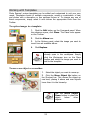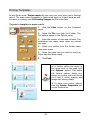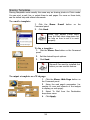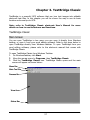
1
Level button
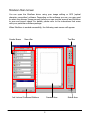
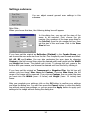
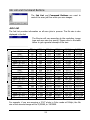
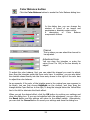
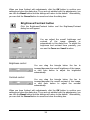
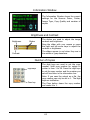
By clicking on the Level button, the Level dialog box will appear.
The
Level
dialog
box
includes several useful tools
for you to check the color
level information of the
image and adjust the image
quality. A description of each
component in the dialog box
and how they work to affect
the image follows.
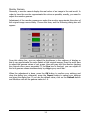
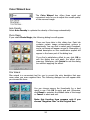
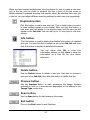
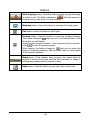
Color Channel box
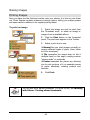
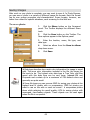
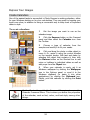
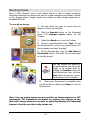
Use the Color Channel box to select a color channel to
adjust. This will allow you to adjust the histogram property of
each color channel respectively.
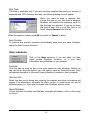
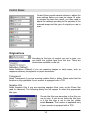
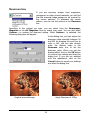
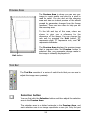
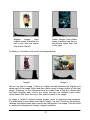
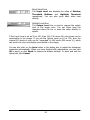
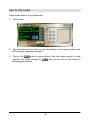
Histogram
A Histogram displays the distributing status of
dark and bright pixels in an image. The x-axis is
divided into 256 equal portions, representing the
brightness level of 0 to 255. The y-axis is used to
represent the quantity of pixel in each brightness
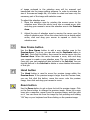
level. A comparison of two images and their
histograms follows:
26