1
Basic Operations
5.9
1
Favorite
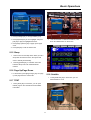
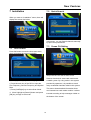
In full screen, press [FAV] key, it will display a
window of “Favorite Group” on the left of the
screen, which you can watch like below.
2
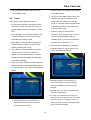
You can modify the audio track by press [Channel
Up / Channel Down] key and modify the audio
mode by press [Volume Up / Volume Down] key.
3
Mode: Left/Right/Stereo/Mono
5.11 Information
2
You can press [Volume Up/Volume Down] keys to
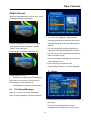
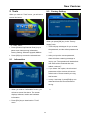
In full screen, press [INFO] key can open information
select different “Favorite Group”.
screen, in the window shows the parameters of current
Pressing [Page Up/Page Down] keys can implement
channel.
the “Page up/Page down” function
3
Press [Exit] key to exit the current window.
? Frequently Asked Question
Q: Why the screen displays “No Favorite Channel”,
after pressing [Favorite] key?
A: It is because that you haven’t set any channels as
“favorite channel”. Please refer to Favorite
.
5.10 Audio
1
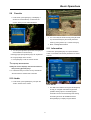
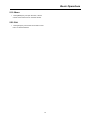
In full screen, press [AUDIO] key can open the
“Audio” window on the screen.
5.12 EPG
1
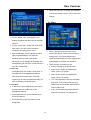
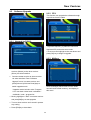
The STB has an Electronic Program Guide (EPG)
to help you navigate channels through all the
possible viewing options. The EPG supplies
information such as channel listings and starting
and ending times for all available channels.
Press [EPG] key to display Program Guide.
9