1
TABLE OF CONTENTS
Chapter 1 - Introduction
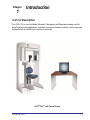
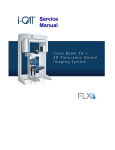
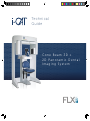
i-CAT FLX Description ................................................................................................ 1-1
Operator Control Box ...................................................................................................... 1-2
Patient Emergency Stop Control ..................................................................................... 1-3
Software Description ................................................................................................... 1-3
SmartScan STUDIO Software ......................................................................................... 1-3
Tx STUDIO Treatment Planning Software ...................................................................... 1-3
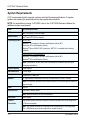
System Requirements ................................................................................................. 1-4
Chapter 2 - Startup and Shutdown
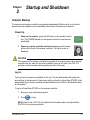
Scanner Startup .......................................................................................................... 2-1
Power Up ......................................................................................................................... 2-1
Log in ............................................................................................................................... 2-1
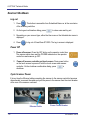
Scanner Shutdown ..................................................................................................... 2-2
Log out ............................................................................................................................ 2-2
Power Off ........................................................................................................................ 2-2
Cycle Scanner Power ...................................................................................................... 2-2
Chapter 3 - Calibrations and Quality Assurance
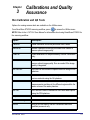
Run Calibration and QA Tests .................................................................................... 3-1
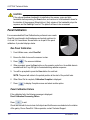
Panel Calibration ......................................................................................................... 3-2
Run Panel Calibration ..................................................................................................... 3-2
Panel Calibration Failure ................................................................................................. 3-2
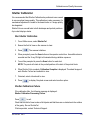
Shutter Calibration ...................................................................................................... 3-3
Run Shutter Calibration ................................................................................................... 3-3
Shutter Calibration Failure ............................................................................................... 3-3
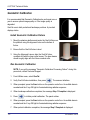
Geometric Calibration ................................................................................................. 3-4
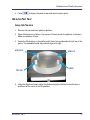
Install Geometric Calibration Fixture ............................................................................... 3-4
Run Geometric Calibration .............................................................................................. 3-4
032-0328-EN Rev E
-iii