1
CONFIGURING MATH AND LOGIC
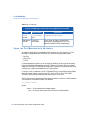
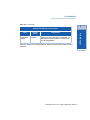
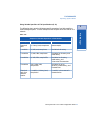
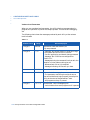
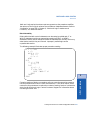
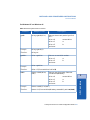
Math and Logic Procedures Table
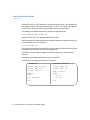
4 After you have entered the procedure, you must validate it to check for syntax
errors. Choose Validate from the File menu. If there are no errors, the system
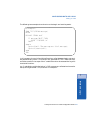
reports nothing. If there are errors, the following message is displayed:
Canceled
Validation error.
5 Choose Save from the File menu to save the procedure.
6 Choose Exit to exit the Math and Logic Procedure panel and return to the Main
Menu. If you try to exit a procedure containing validation errors, the following
message is displayed:
Warning
Validation error! Select OK to continue
This warning reminds you errors exist so you do not run the application until the
errors are corrected. A procedure that fails validation is not loaded at run time
and can cause Math and Logic to fail. Exiting an empty procedure results in a
validation error, however, the existence of an empty procedure will not affect the
task during run time.
Correcting Validation Errors
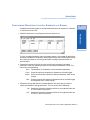
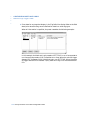
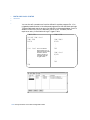
1 Click OK from the Validation error message box. The lines of the procedure that
the system could not validate turn red and the cursor moves to the first
non-validated line.
non-validated (red) and place the cursor on the line.
3 Choose Error Help from the Help menu. The system displays the cause of the error
for that line.
4 Choose Validate again after you have corrected an error. The system clears the red
lines for that error and moves the cursor to the next non-validated line, if any.
5 Repeat Steps 2 and 3 until all errors are corrected.
FactoryLink ECS / Core Tasks Configuration Guide / 145
Math and Logic
2 To display error help for a non-validated line, mark the line marked as
7