1
AlazarDSO User Guide
•
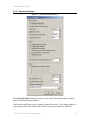
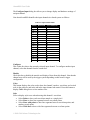
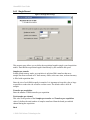
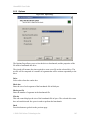
1:2:5 ratio
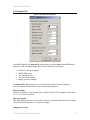
Increase the frequency in a 1:2:5 ratio.
•
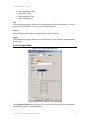
User defined steps
Increase the frequency by the specified value in Hz.
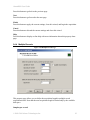
Amplitude measurement
Select the method used to measure the amplitude of the acquired data.
•
RMS volts
Calculate the RMS value of all the samples values in the record.
•
Peak-to-peak volts
Find the minimum and maximum sample values in the record.
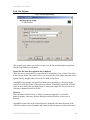
Override full scale input range
Check this box to specify the full scale input range in amplifier bypass mode.
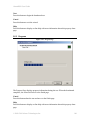
Signal level (Calibrate)
Enter the signal level that will be used to calibrate a channel’s input range. This value is
specified in percent of the input range's full-scale voltage.
Signal type (Calibrate)
Select the type of signal you wish to use to calibrate a channel’s input range.
•
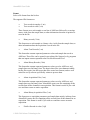
Square wave with external trigger
Check this radio button if the calibrator can provide a square wave signal and
external trigger output.
•
DC level
Check this radio button if the calibrator can not provide a square wave output
signal or external trigger output, or the digitizer does not have an external trigger
input.
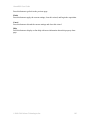
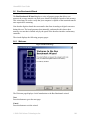
External trigger level
Enter the external trigger level as a percent of the external trigger range supported by the
calibrator device.
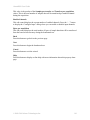
Enable interpolation
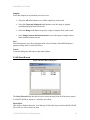
Check this box to allow the software to calculate the rate of change of error with respect
the change in a control parameter, and use this value to estimate the ideal control value
required to reduce the error to zero.
When enabled, this option should reduce calibration times.
© 2008-2010 Alazar Technologies Inc.
126