1
Settlements
3.0
Clearing Member Settlement Selections
Menu
3.1
Selecting a Clearing Member Settlement Account
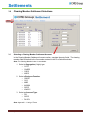
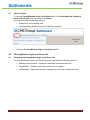
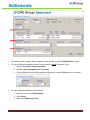
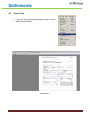
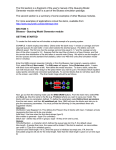
In the Clearing Member Settlement Account section, complete the entry fields. The clearing
member field will default to the firm number entered in the Firm Selection window.
Note: The Clearing Member button is unavailable.
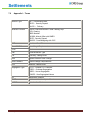
1. Select ta Segregation (Origin) type:
o COTC
o CNSEG
o CSEG
o NSEG
2. Select a Business Function:
o CBCBT
o CLR
o MBR
o MOSSX
o SECR
o XMOCC
3. Select an Account Type:
o PB
o SECR
o DLVRY
Note: Appendix I – Listing of Terms
Global Operations Education
6