1
Ribbons 'ubiq' Sample Image Help
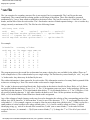
This file was then edited to add a special color file, `protein.color'.
The *.coords file consists of only one filename:
ls ubiq.pdb > ubiq.coords
The *.model file was generated:
pdb-model ubiq.pdb ubiq.model
The protein ribbon model is now ready for display.
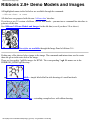
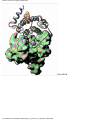
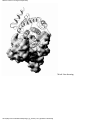
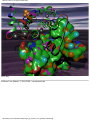
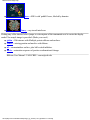
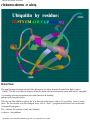
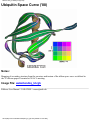
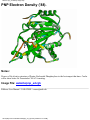
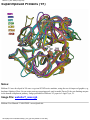
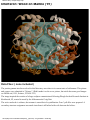
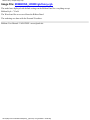
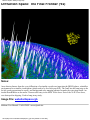
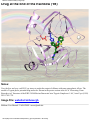
Image File: $RIBBONS_HOME/rgb/ubiq.rgb
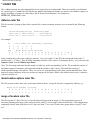
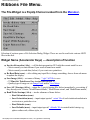
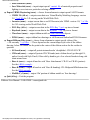
The file ubiq.ss was edited to add arrows to the ss key. The model was displayed with default settings on the
Ribbon Panel for everything except:
Sequence Color = `seq'
Sheet Style = `Square'
Helix Style = `Flat'
Coil Style = `Circle'
Helix Texture = `Sided'
The light source was moved overhead with the Color Panel. The image was saved from the Geom Panel.
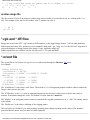
Labels were added with the ilabel command:
ilabel ubiq0.rgb ubiq.rgb
Ribbons User Manual / UAB-CBSE / [email protected]
file:///C|/My Documents/ribbons/help/ubiq_rgb.html (2 of 2) [4/3/2001 2:12:14 PM]