1
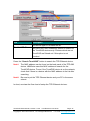
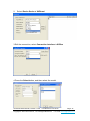
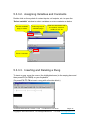
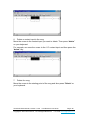
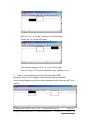
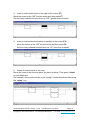
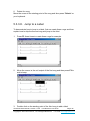
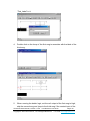
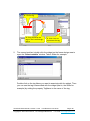
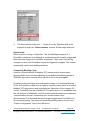
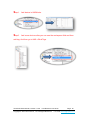
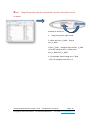
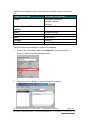
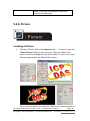
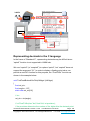
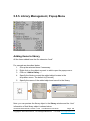
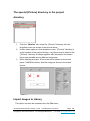
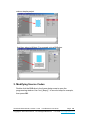
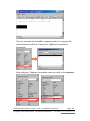
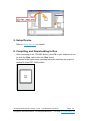
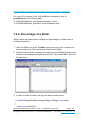
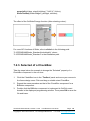
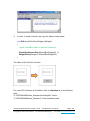
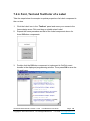
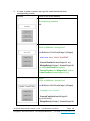
Click this option to select more than one image files, transform them into the .hwd file format which HMIWorks can recognize and finally put these files in the [Pictures] folder in the current project directory. Since the transformed .hwd files are put in the [Pictures] folder of a project, users should create or open a project to execute this option. As shown below, click the “Select files” button to execute. Note: Now, we support JPG/BMP/WMF/EMF image formats. TouchPAD User Manual, version 1.0.26. Last Revised: June 2015 Copyright © 2015 ICP DAS Co., Ltd. All Rights Reserved. Page: 126 E-mail: [email protected]