1
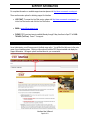
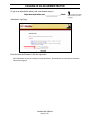
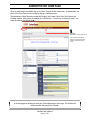
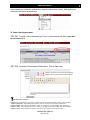
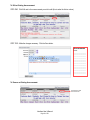
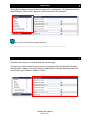
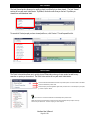
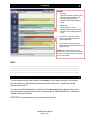
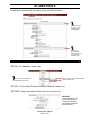
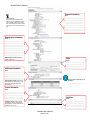
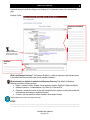
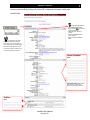
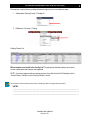
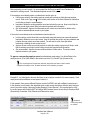
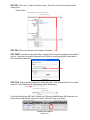
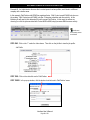
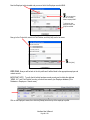
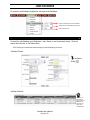
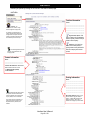
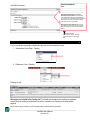
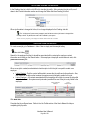
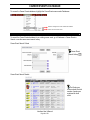
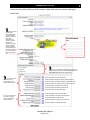
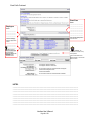
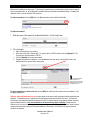
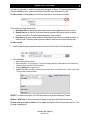
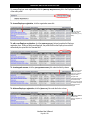
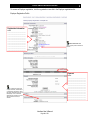
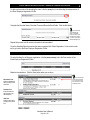
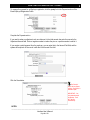
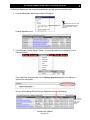
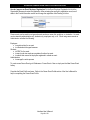
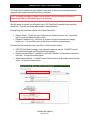
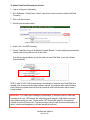
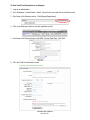
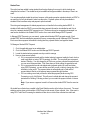
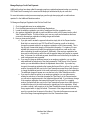
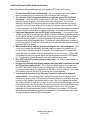
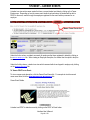
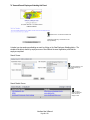
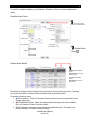
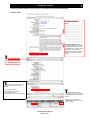
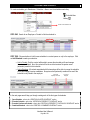
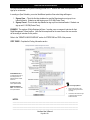
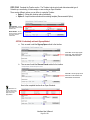
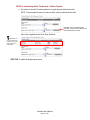
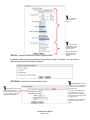
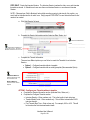
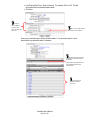
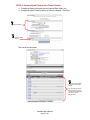
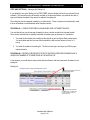
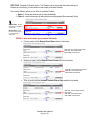
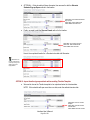
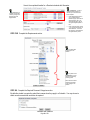
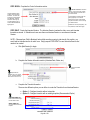
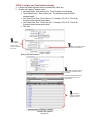
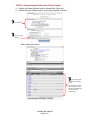
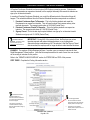
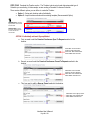
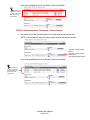
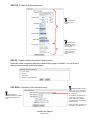
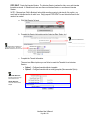
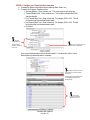
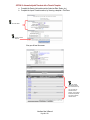
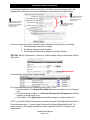
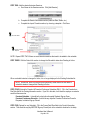
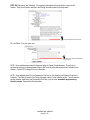
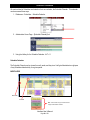
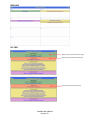
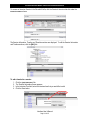
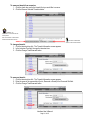
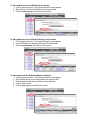
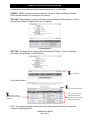
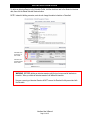
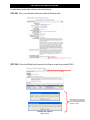
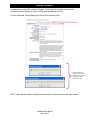
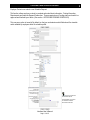
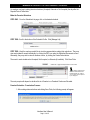
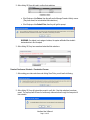
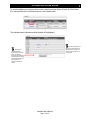
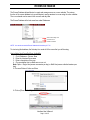
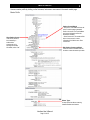
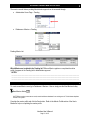
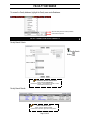
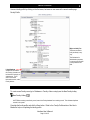
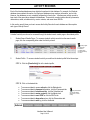
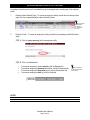
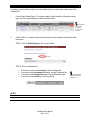
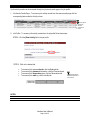
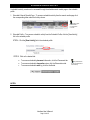
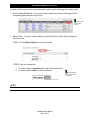
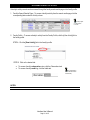
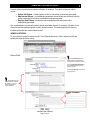
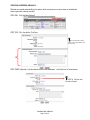
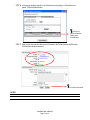
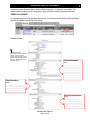
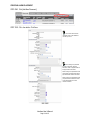
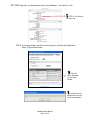
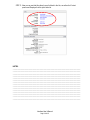
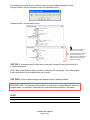
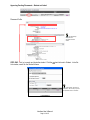
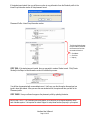
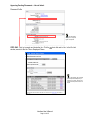
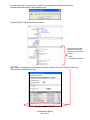
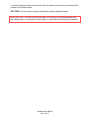
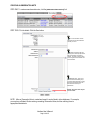
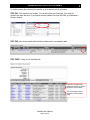
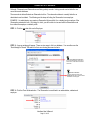
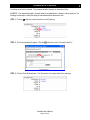
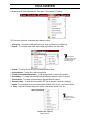
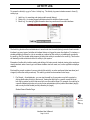
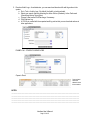
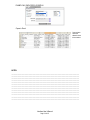
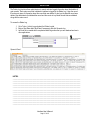
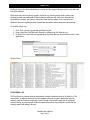
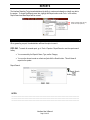
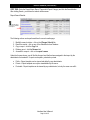
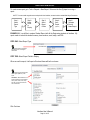
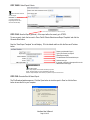
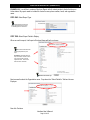
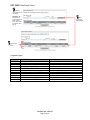
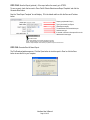
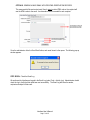
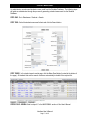
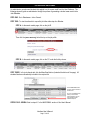
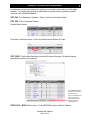
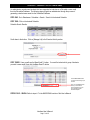
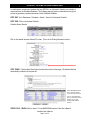
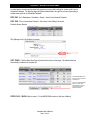
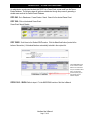
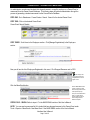
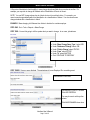
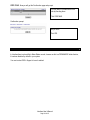
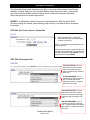
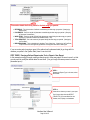
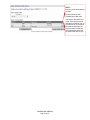
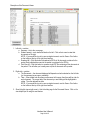
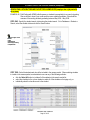
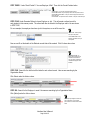
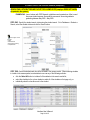
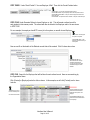
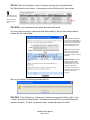
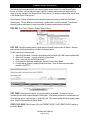
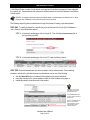
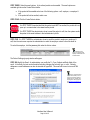
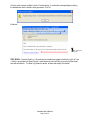
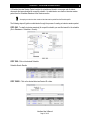
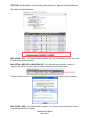
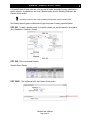
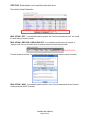
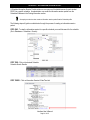
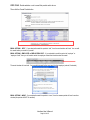
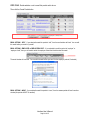
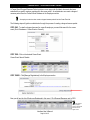
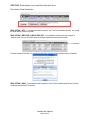
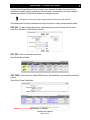
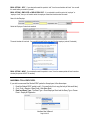
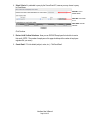
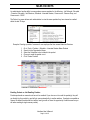
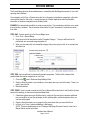
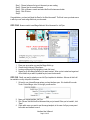
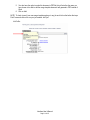
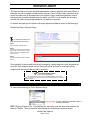
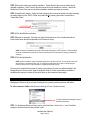
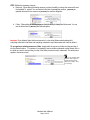
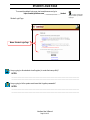
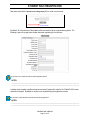
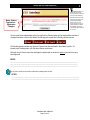
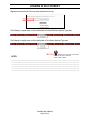
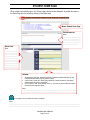
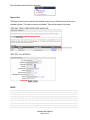
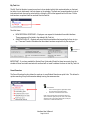
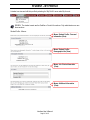
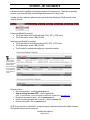
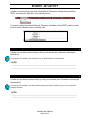
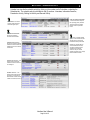
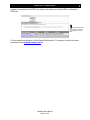
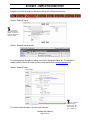
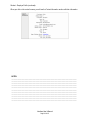
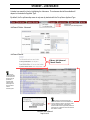
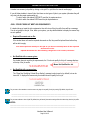
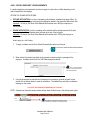
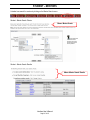
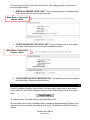
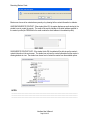
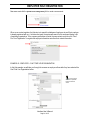
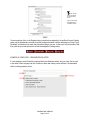
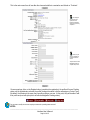
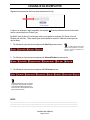
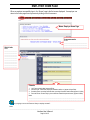
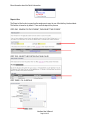
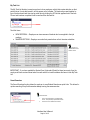
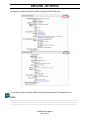
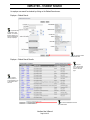
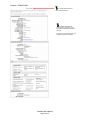
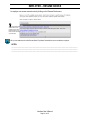
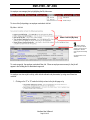
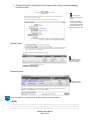
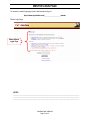
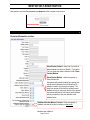
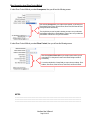
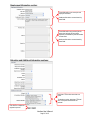
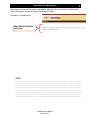
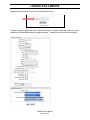
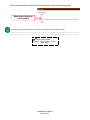
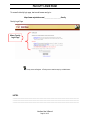
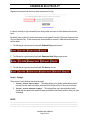
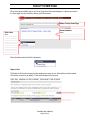
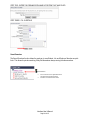
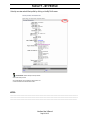
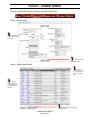
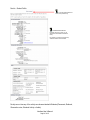
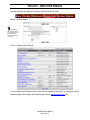
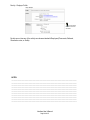
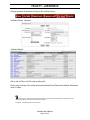
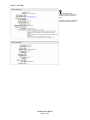
If the student was located, then you will have an option to copy information from the Student’s profile to the Intern/Coop Information section of this placement record: Placement Profile – Intern/Coop Information section: The following fields will copy from the student’s profile into the Placement record when the student is linked to it. Grad Month Grad Year Major(s) STEP TWO: If the student was not located, then you may wish to create a Student record. Click [Create Student] in the Report a Hire Information section to facilitate this process: You will then be presented with a new student record. It will copy over the information the employer has typed in about the student. After you save this new student record, the system will take you back to the Placement profile. STEP THREE: Now you will want to approve the placement profile by updating the status. IMPORTANT NOTE: The Placement profile and Report a Hire function are configured differently within each Interfase system. It is important to contact Support to setup these functions properly in your system. Interfase User’s Manual Page 143 of 271