1
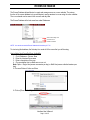
STUDENT PACKET VIA STUDENT SEARCH (Example #3)
GENERATING A STUDENT RESUME PACKET FOR AN EMPLOYER (employer DOES NOT HAVE a
job posted in the system):
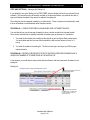
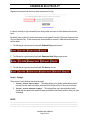
EXAMPLE #3: Jason Lanham with CSO Research called because he wanted our office to send
him some student resumes. He would like resumes of Accounting students
graduating between May 2006 – May 2008.
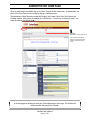
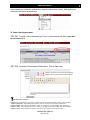
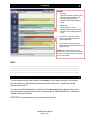
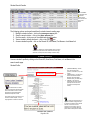
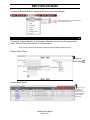
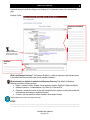
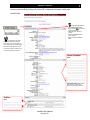
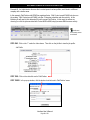
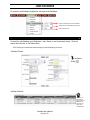
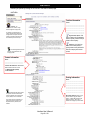
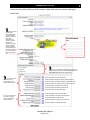
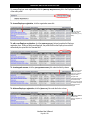
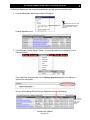
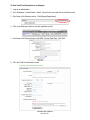
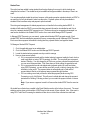
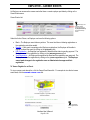
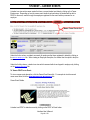
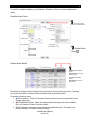
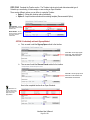
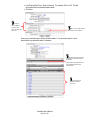
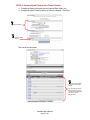
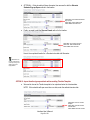
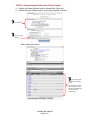
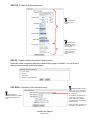
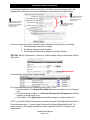
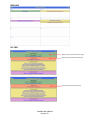
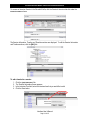
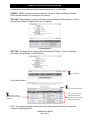
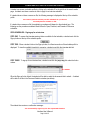
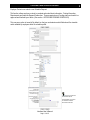
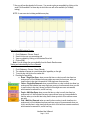
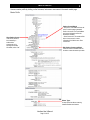
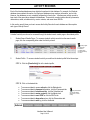
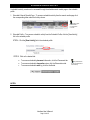
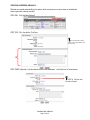
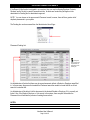
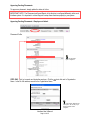
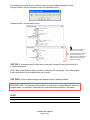
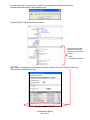
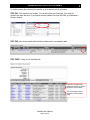
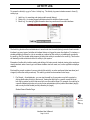
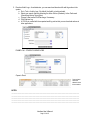
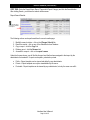
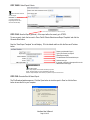
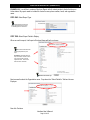
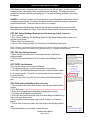
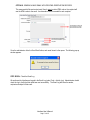
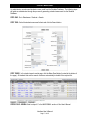
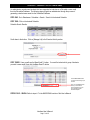
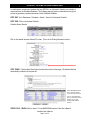
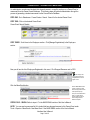
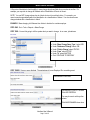
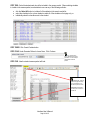
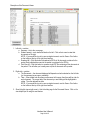
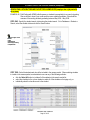
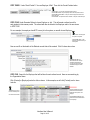
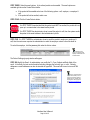
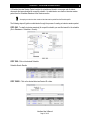
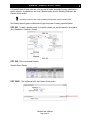
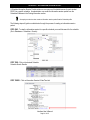
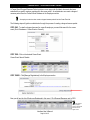
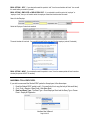
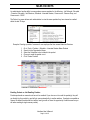
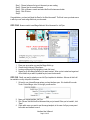
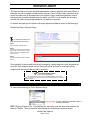
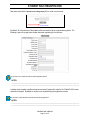
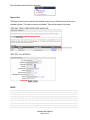
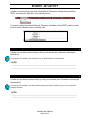
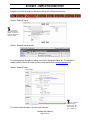
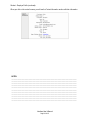
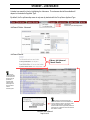
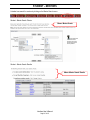
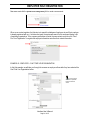
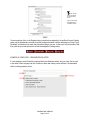
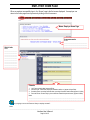
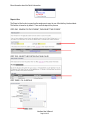
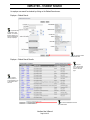
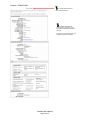
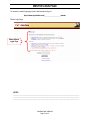
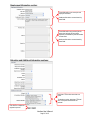
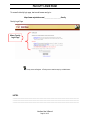
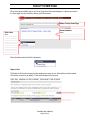
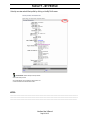
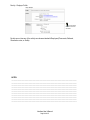
STEP ONE: Specify the student search criteria using the student search. Go to Databases > Students >
Search, select the student criteria and click the Search button.
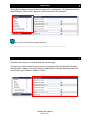
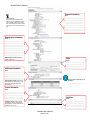
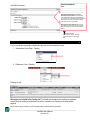
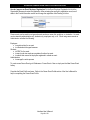
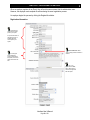
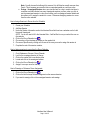
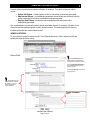
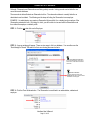
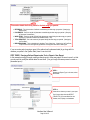
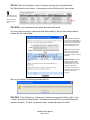
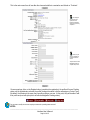
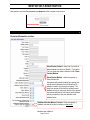
Don’t forget to include
the fields:
▪ Status
▪ Default Resume
▪ Allow Employer Viewing
▪ Complete Profile
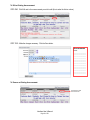
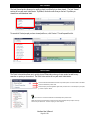
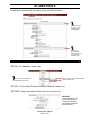
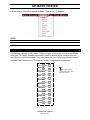
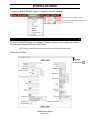
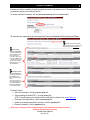
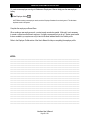
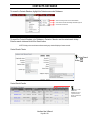
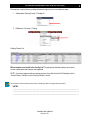
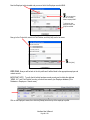
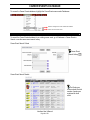
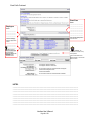
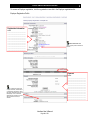
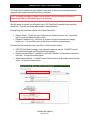
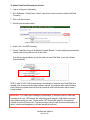
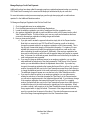
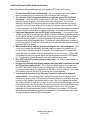
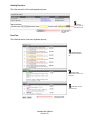
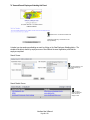
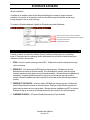
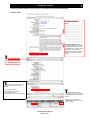
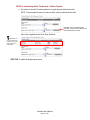
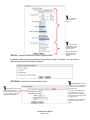
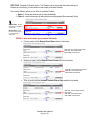
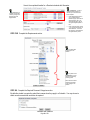
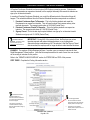
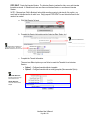
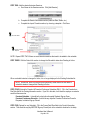
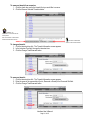
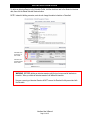
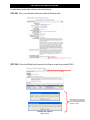
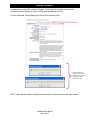
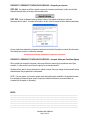
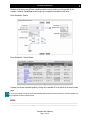
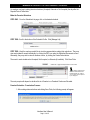
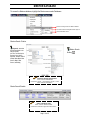
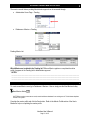
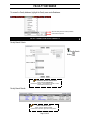
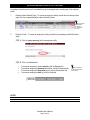
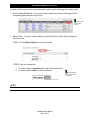
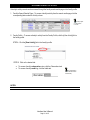
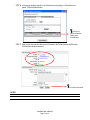
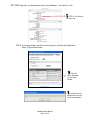
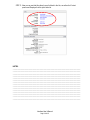
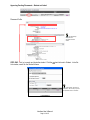
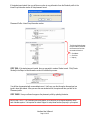
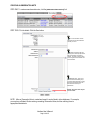
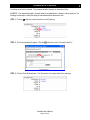
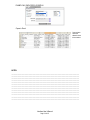
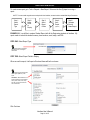
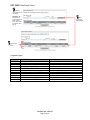
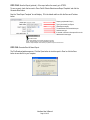
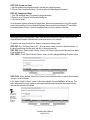
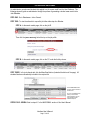
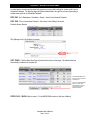
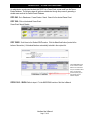
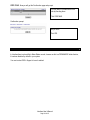
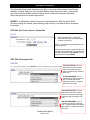
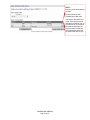
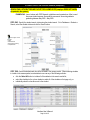
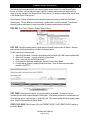
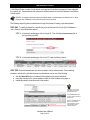
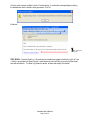
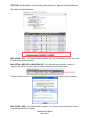
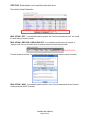
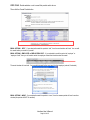
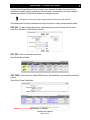
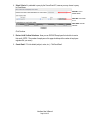
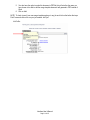
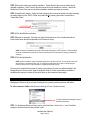
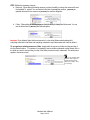
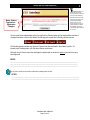
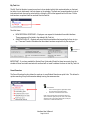
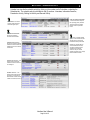
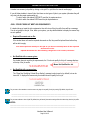
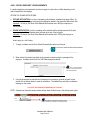
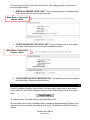
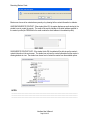
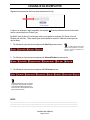
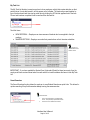
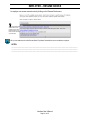
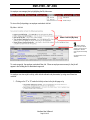
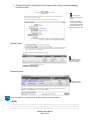
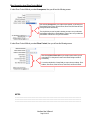
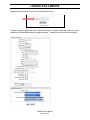
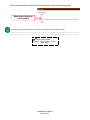
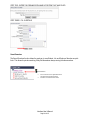
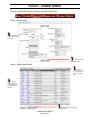
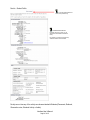
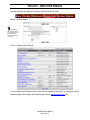
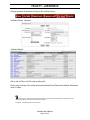
STEP TWO: Select the students who should be included in the resume packet. When selecting students
to include in the resume packet, an administrator can use any of the following methods:
•
•
•
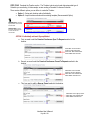
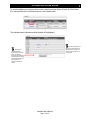
click the Select All button to include all of the students in the search results list,
select the checkbox in the column header to select all of the students on that page only, or
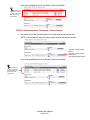
individually select the checkbox next to the student.
Interfase User’s Manual
Page 190 of 271