1
G A L L E R Y
M O D U L E
8.1.7.
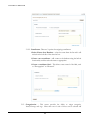
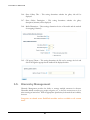
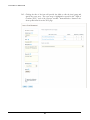
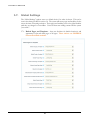
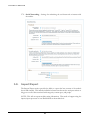
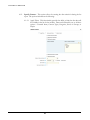
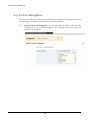
Allow user to Filter Content Type – This setting allows the administrator to decide
how much control the website visitor has on search. The website visitor’s choices will
be limited to decisions made by “Filter Content Type Available to User”.
8.1.8.
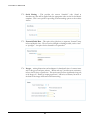
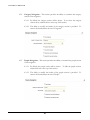
Content Type Header – Allows for customization of the header (above the
dropdown) for content type. Delete text provided to remove header entirely.
8.1.9.
Content Type DropDown Header – Allows for customization of the default choice
within the dropdown itself.
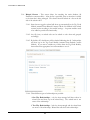
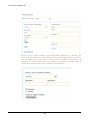
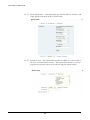
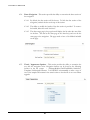
8.1.10. Allow User to Choose Date Range – This setting provides the website visitor with
begin and end date fields to use for searching.
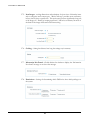
8.1.11. Allow User to Filter by Group – This setting provides the website visitor with a
dropdown box to filter data based on the groups.
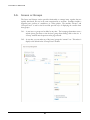
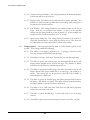
8.1.12. Group Header – Allows for customization of the header (above the dropdown) for
group. Delete text provided to remove header entirely.
8.1.13. Group DropDown Header – Allows for customization of the default choice within
the dropdown itself.
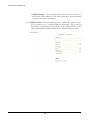
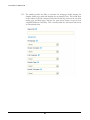
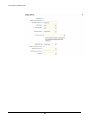
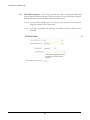
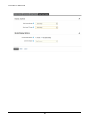
8.1.14. Allow User to Filter People – This setting provides the website visitor with a
dropdown box to filter data based on people.
8.1.15. People Header – Allows for customization of the header (above the dropdown) for
people. Delete text provided to remove header entirely.
8.1.16. People DropDown Header – Allows for customization of the default choice within
the dropdown itself.
64