1
User’s Manual for OSA System Management Bridge
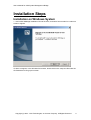
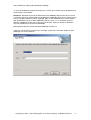
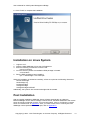
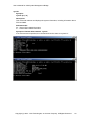
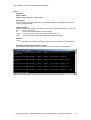
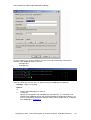
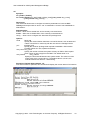
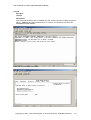
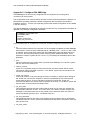
4. Then the installation program will prompt for a TCP/IP port number and an IP address that
will be used in Server Mode.
IP address: Specifies the server IP address that OSA SMBridge will bind and service. Since
a computer may have multiple valid NIC IP addresses, SMBridge allows you to restrict access
to it via a single IP address. Specify “INADDR_ANY” as the IP address if any of the multiple
NIC IP addresses can be bound to SMBridge. Specify “127.0.0.1” or “localhost” as the IP
address if SMBridge should only accept local connections. Specify a specific IP address if
only this IP address can be bound to SMBridge.
Port: Specifies the port number that OSA SMBridge will listen on.
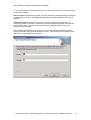
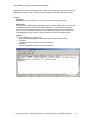
These two values will be recorded in the smbridge.cfg file for the automatic startup of OSA
SMBridge as a service daemon.
Copyright (c) 2004 - OSA Technologies, an Avocent Company. All Rights Reserved.
11